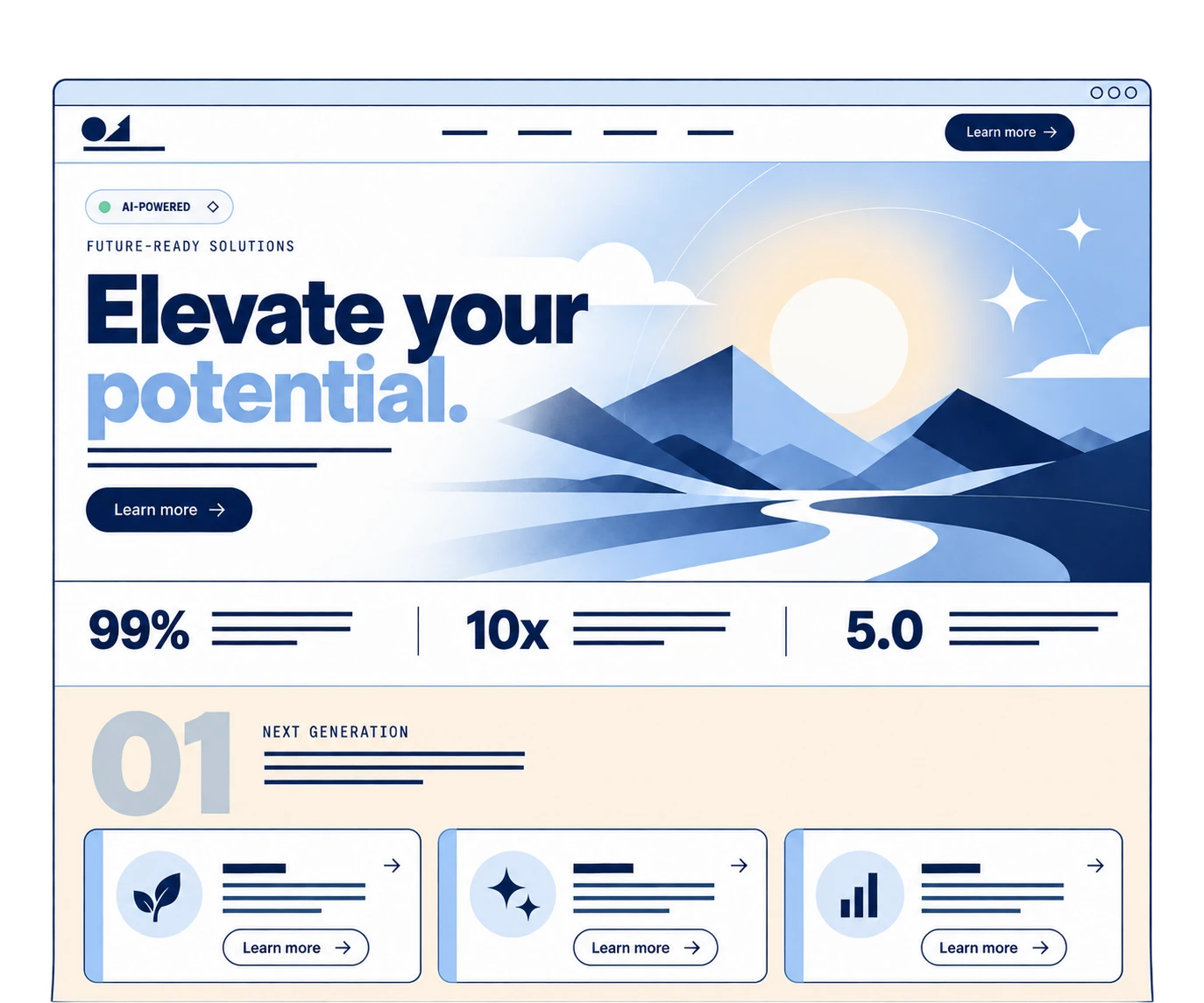
I know you used AI to design your website
First of all. I want to say there is nothing wrong with using AI to design your website. If you goal is for clean and fast, AI is an awesome tool. But if you want original and custom, you can’t use AI design elements out of the box. Why? Because everything is starting to look the same. This is what we call AI Slop. That term has been around in the AI generated writing world, but now it’s becoming more and more prevalent in design. Think websites, social posts, power points. I can tell something is AI-generated in 2 seconds because I saw the same thing 50 over times last week. I’m actually starting to miss Canva templates on instagram.
Maybe they won’t today, but people are going to start to notice. Including your clients and customers.
That said, here are the top things I’m seeing everyone use, and what to avoid the next time you use the robot to design your next project.
And full disclosure, I am guilty of many of these design elements, because I do like them in certain situations. And within reason.
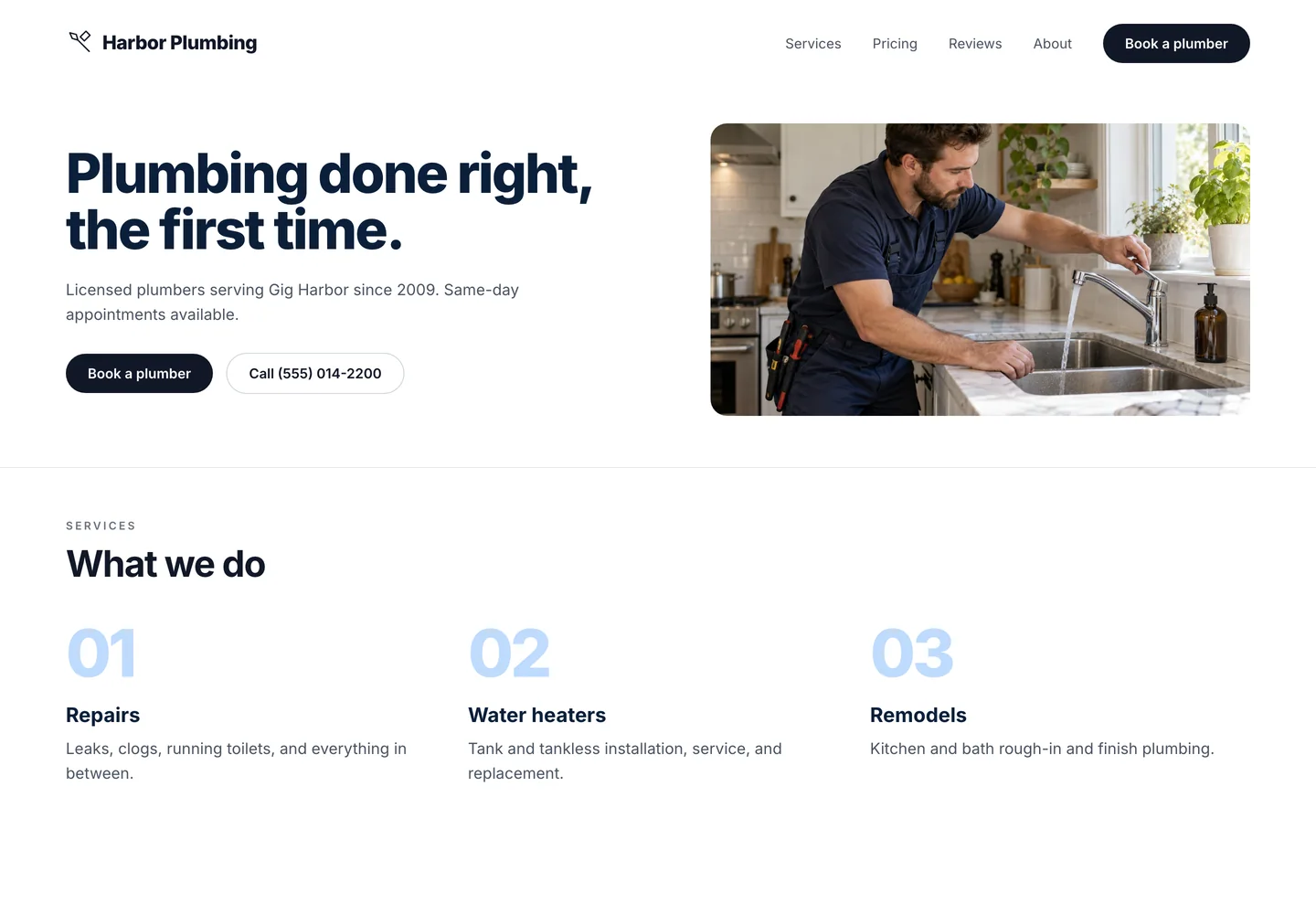
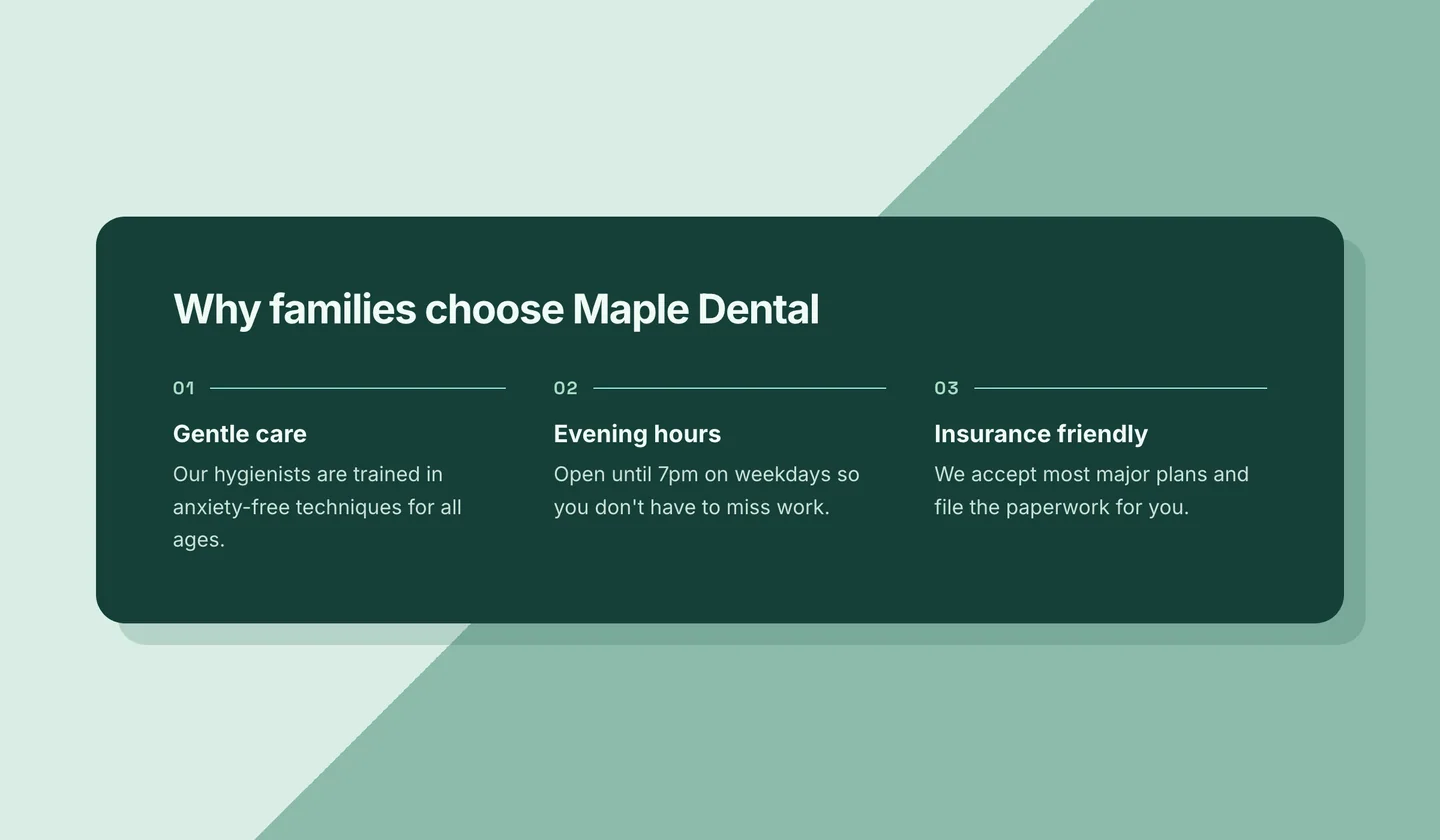
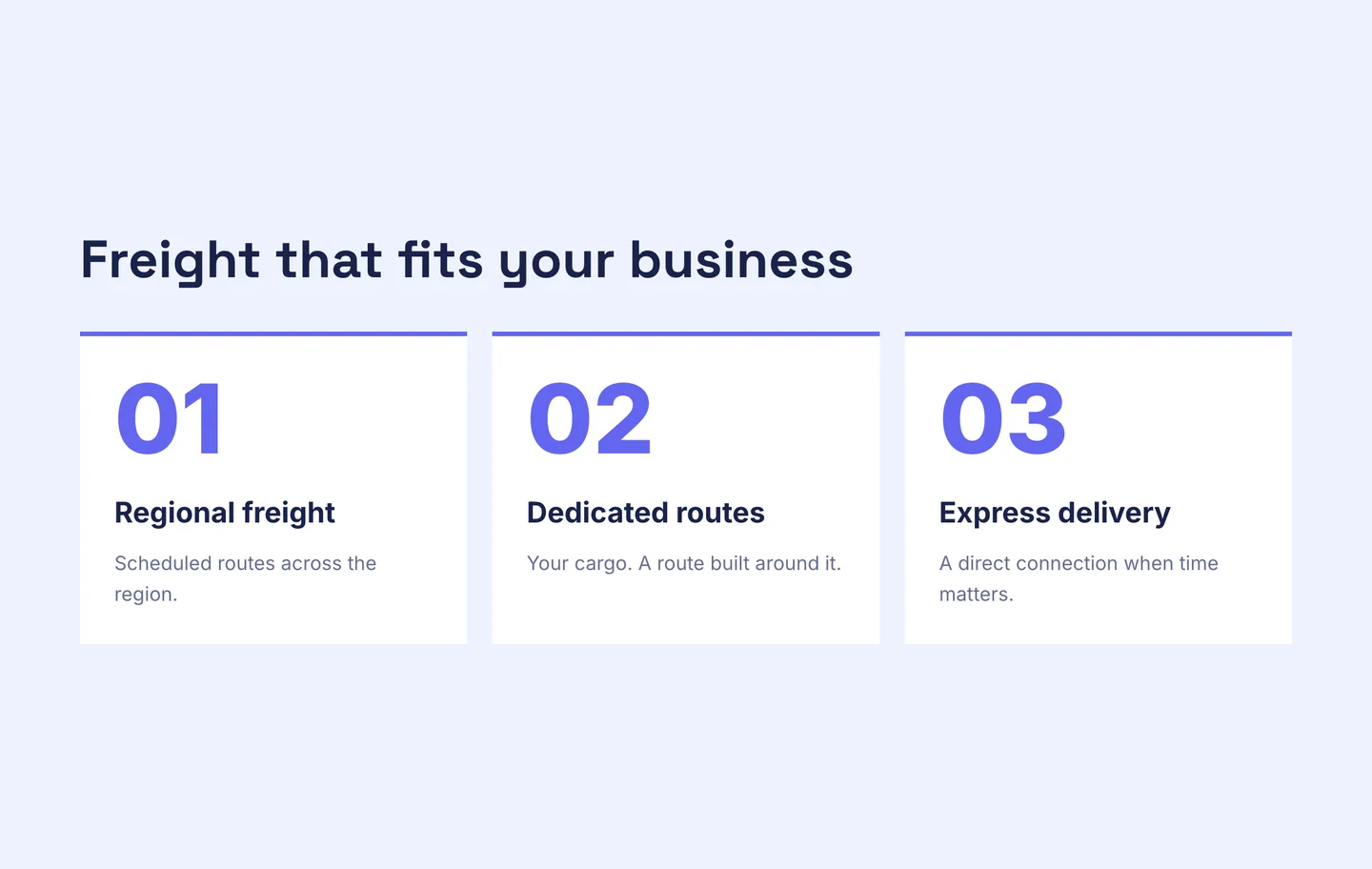
1. 01. 02. 03.
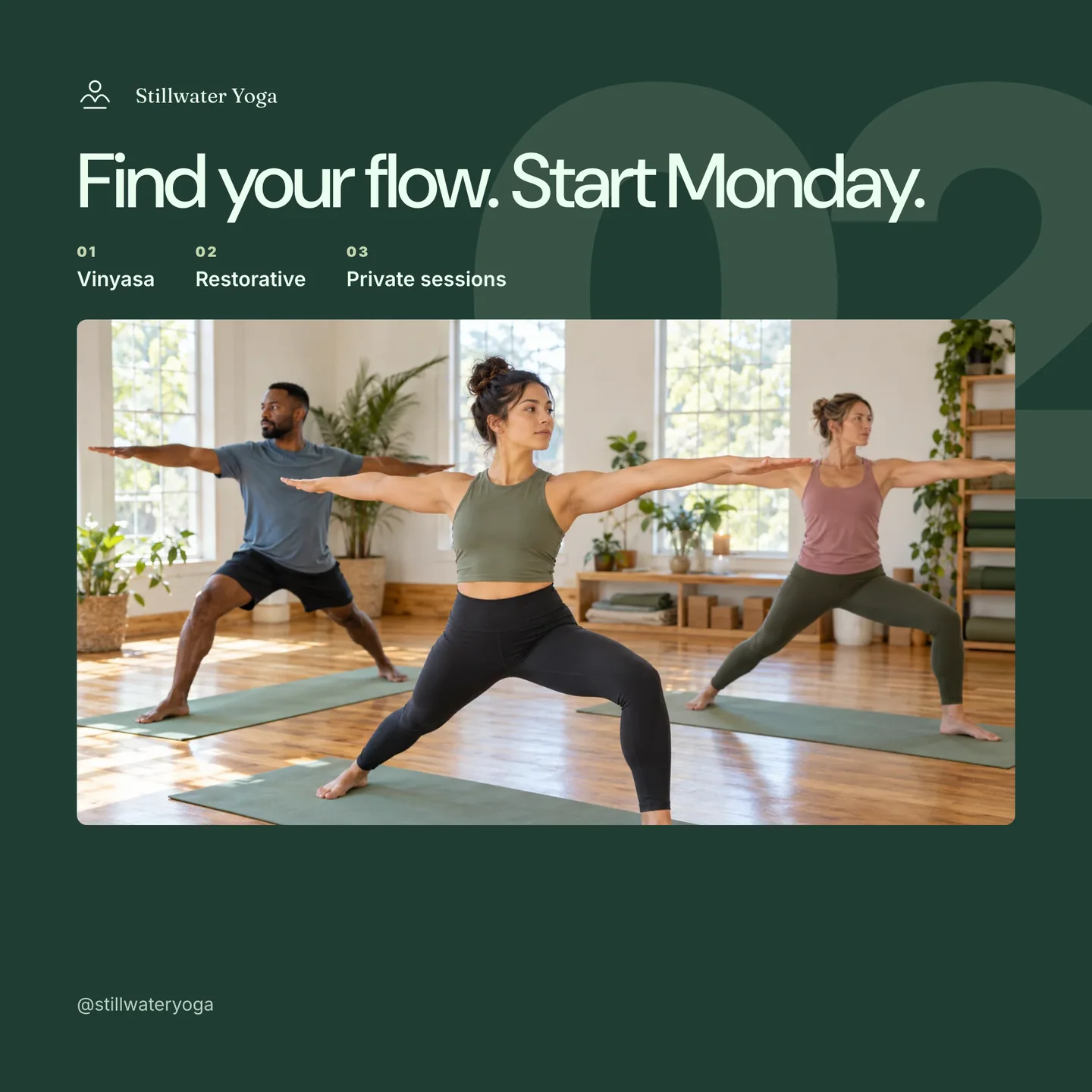
Zero-padded numbers on the list. On the sections. On the steps. Sometimes a giant faded “02” sitting in the background behind the heading like a watermark for a process nobody is following.
Why is everything numbered? Is there a sequence? Will something break if I read section 03 first? No. The numbers are decoration pretending to be structure.
Make it extra sloppy: put a giant faded “02” behind the whole section as a watermark.
Fix: Number steps. Only steps. And without the extra 0. Everything else gets a heading and nothing in front of it.
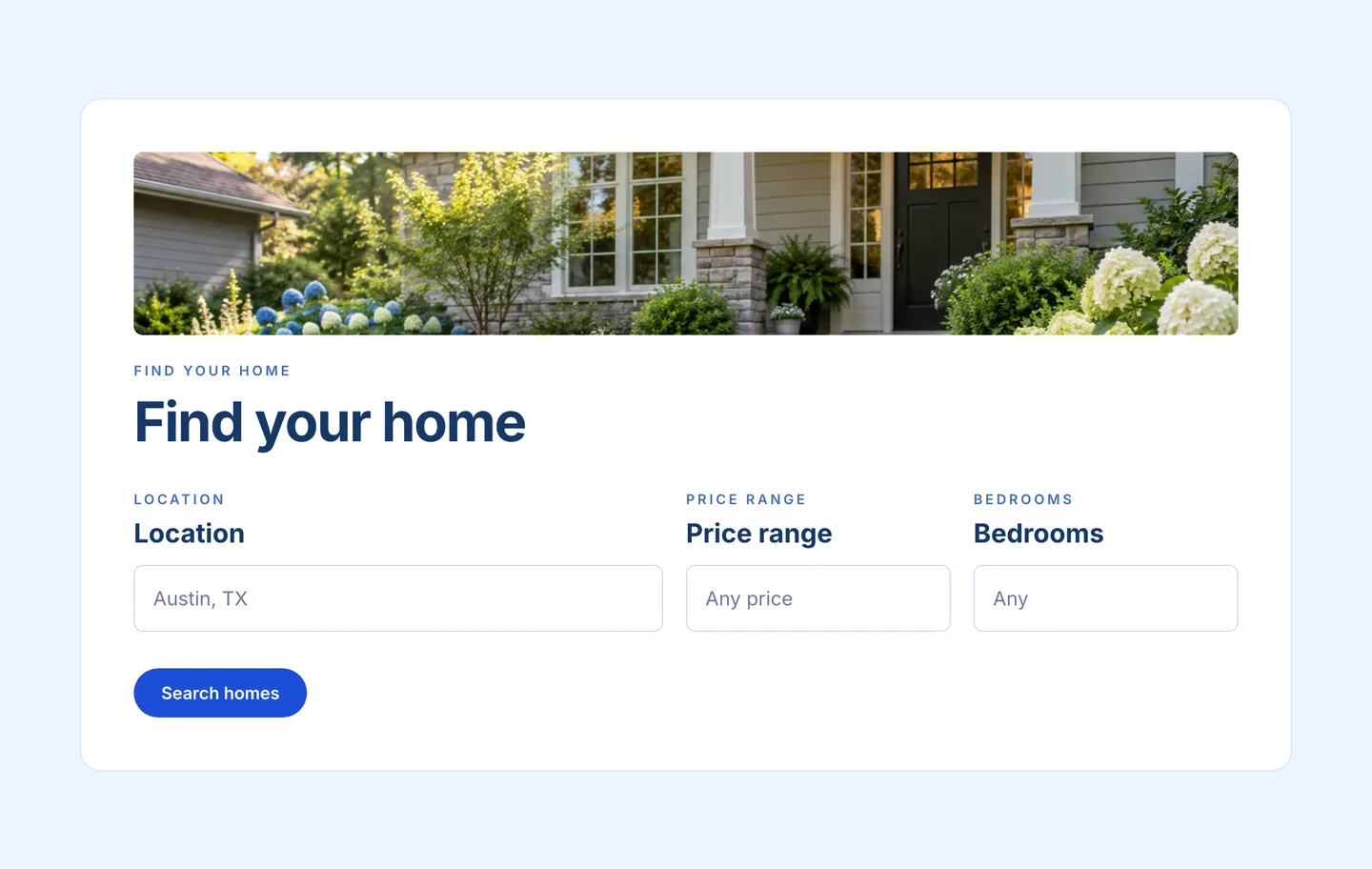
2. The eyebrow heading
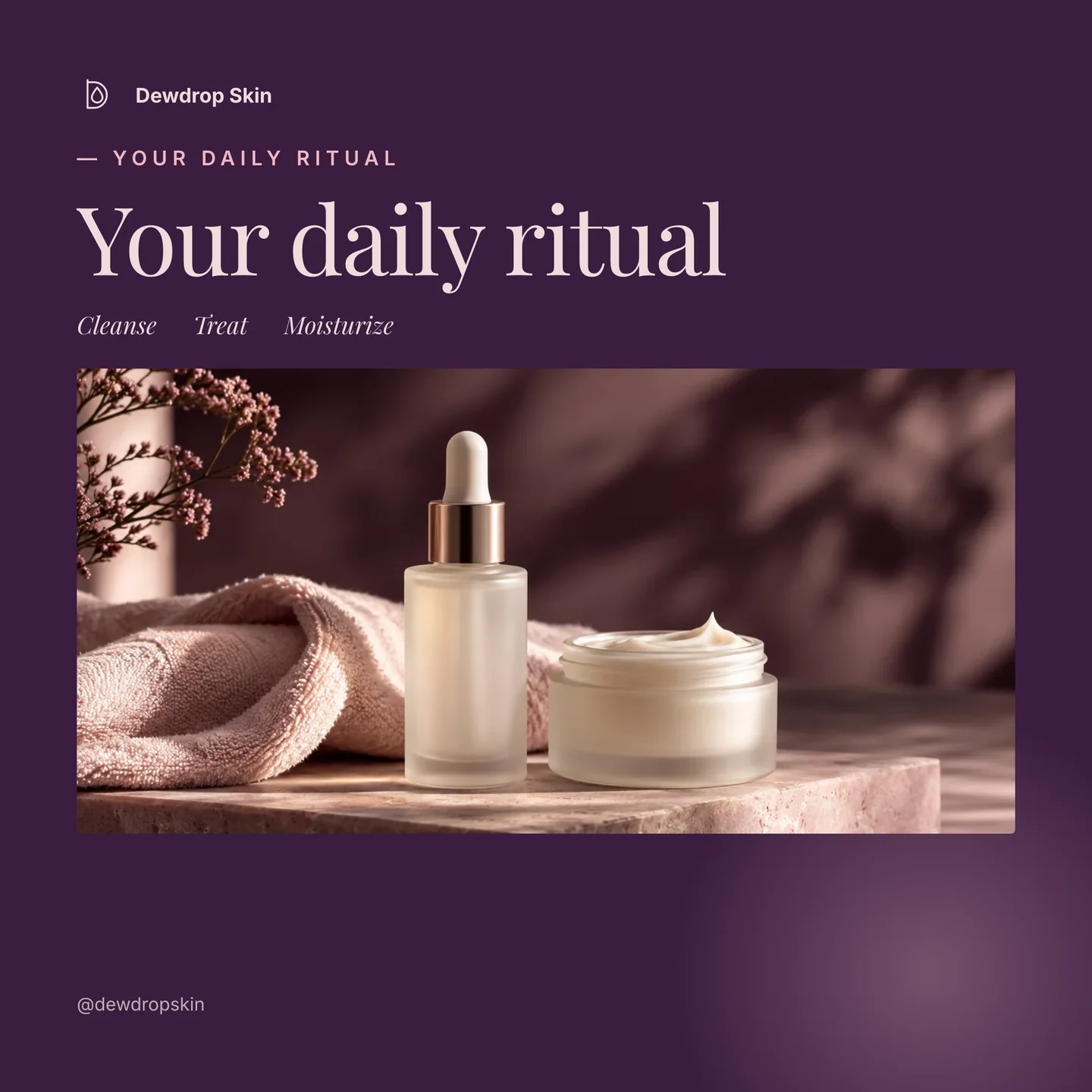
The em dash was the robots’ favorite punctuation. Now they have a location to put it. Enter the emdash eyebrow.
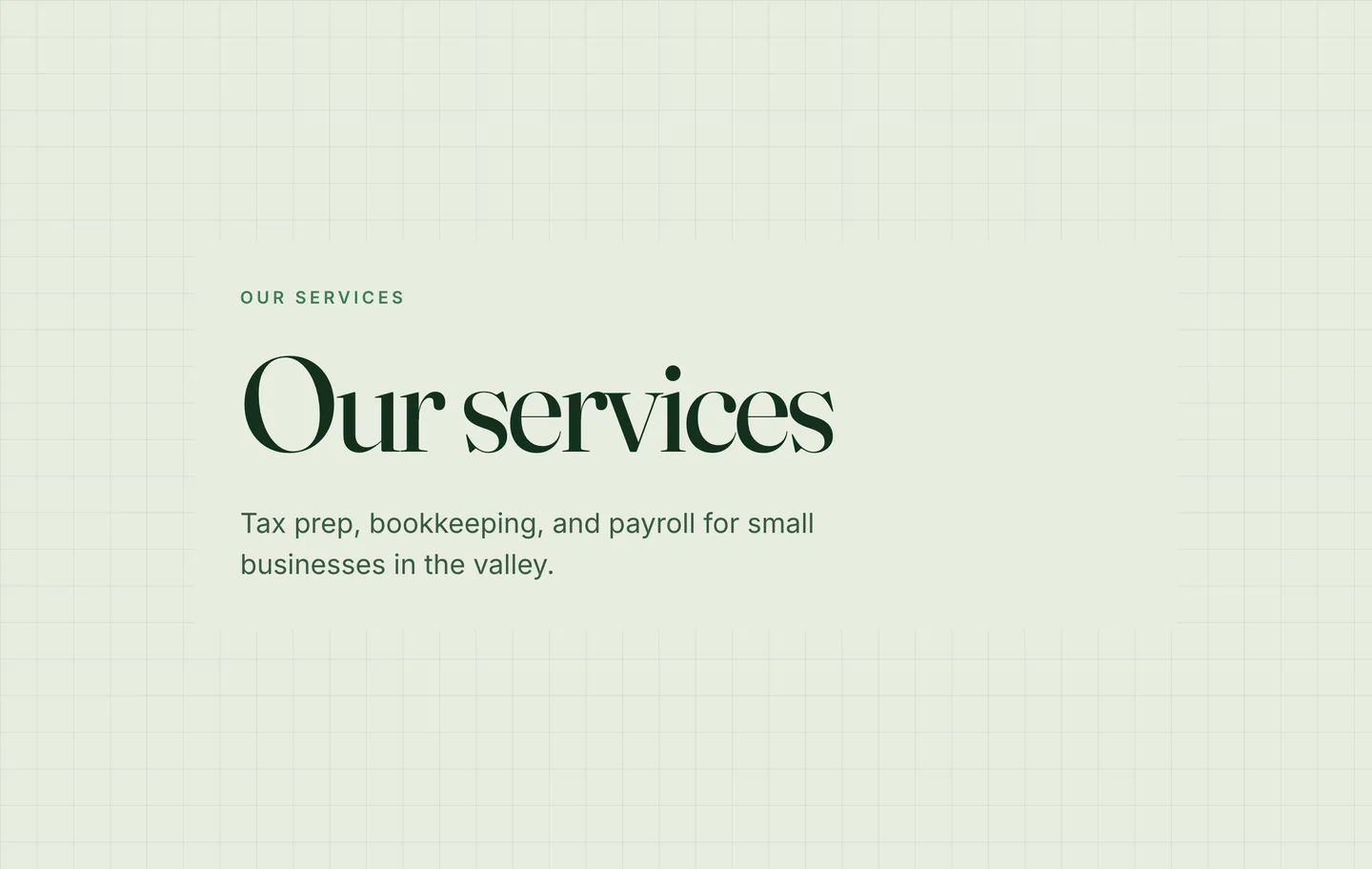
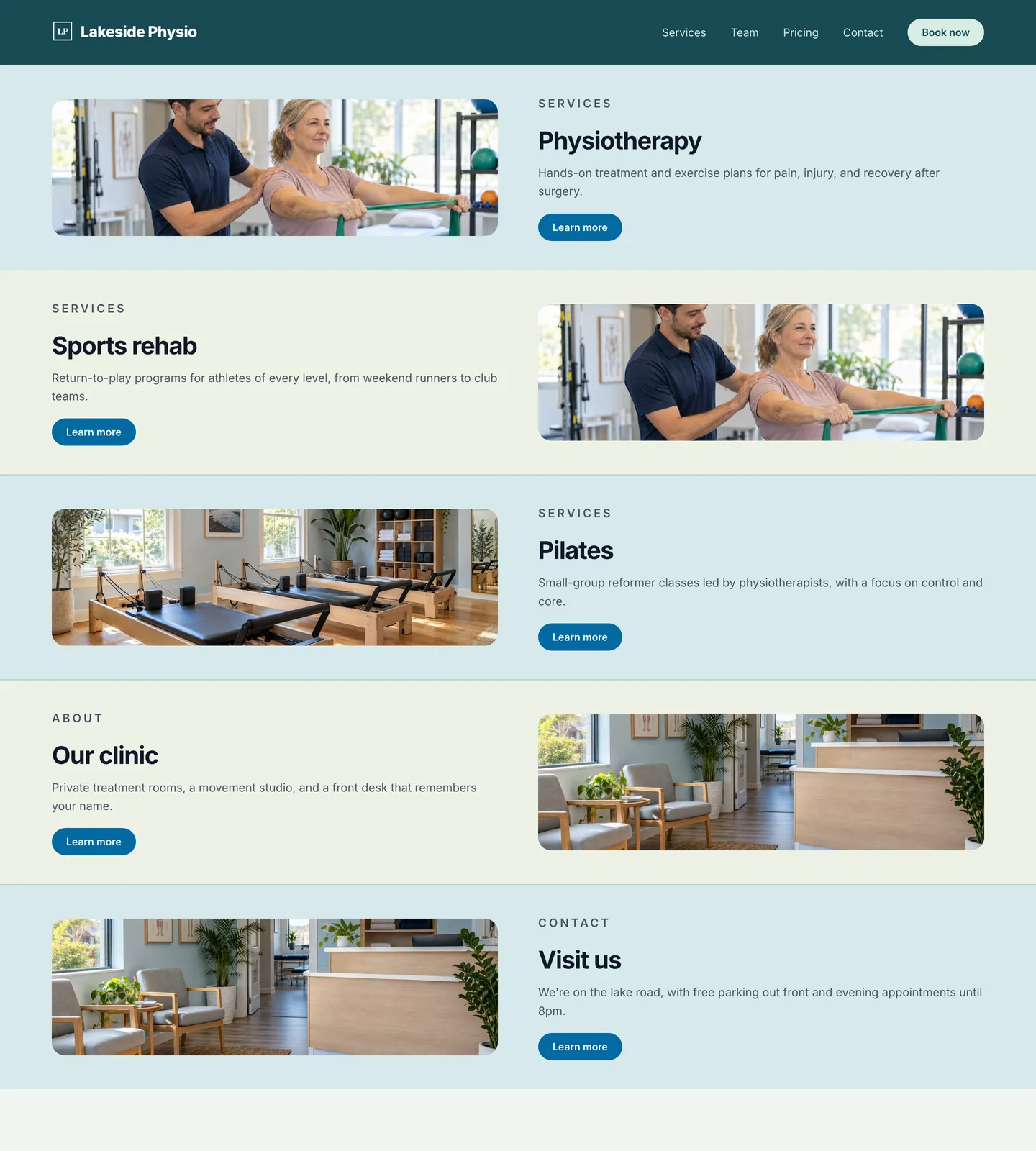
And if it’s not an emdash, it’s a tiny uppercase label floating above every headline. “OUR SERVICES.” Then the headline: “Our services.” Thanks, I was briefly worried what your services were.
And no, it doesn’t help your SEO. Google reads your actual headings. The eyebrow is a styled label, and when a tool marks it up as a heading it only scrambles the order.
Make it extra sloppy: put an em dash AND an uppercase label. ”— WHAT WE DO.” Two eyesores for the price of one.
Fix: Delete the label if you don’t need it. Or if it said something the headline doesn’t, put it in the headline.
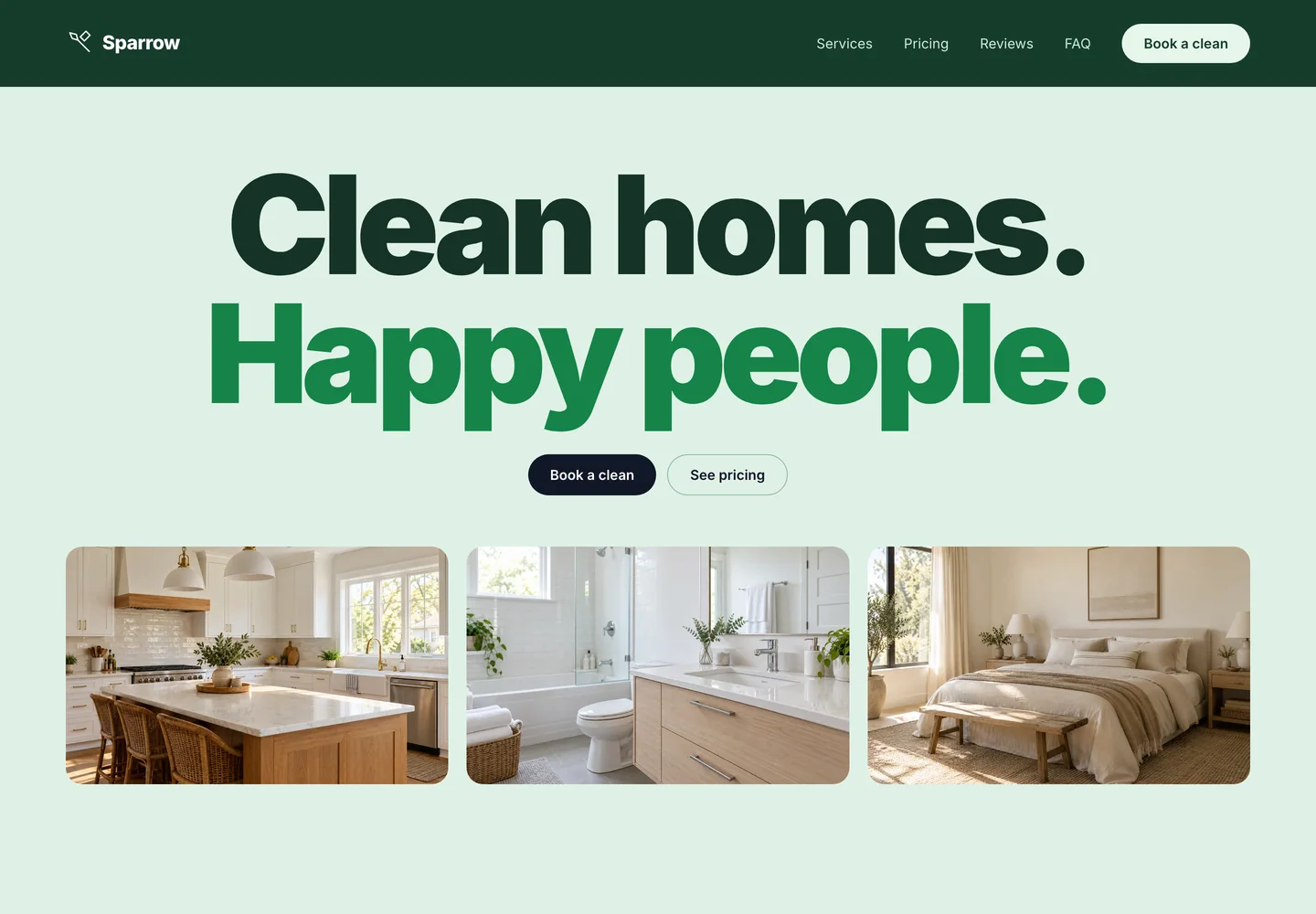
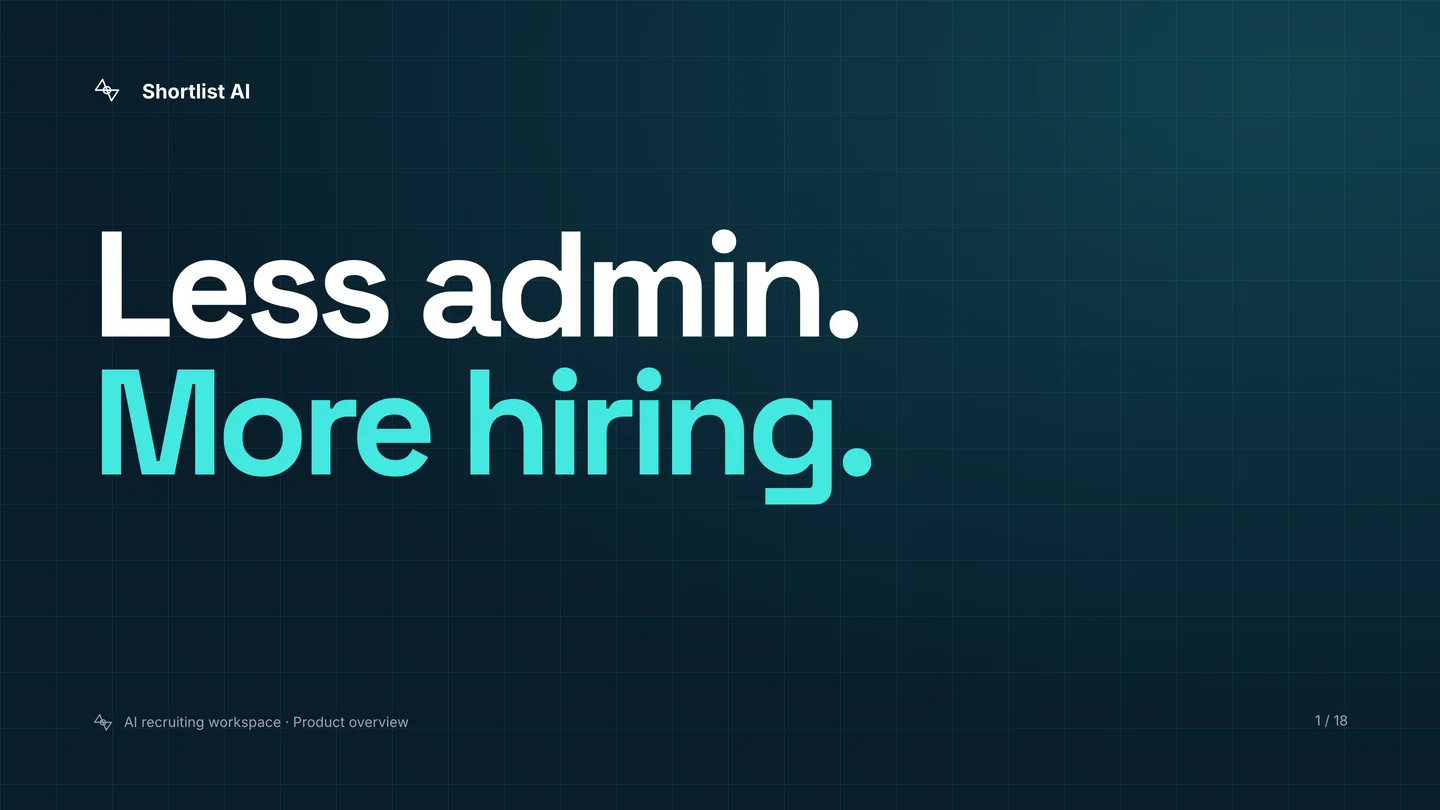
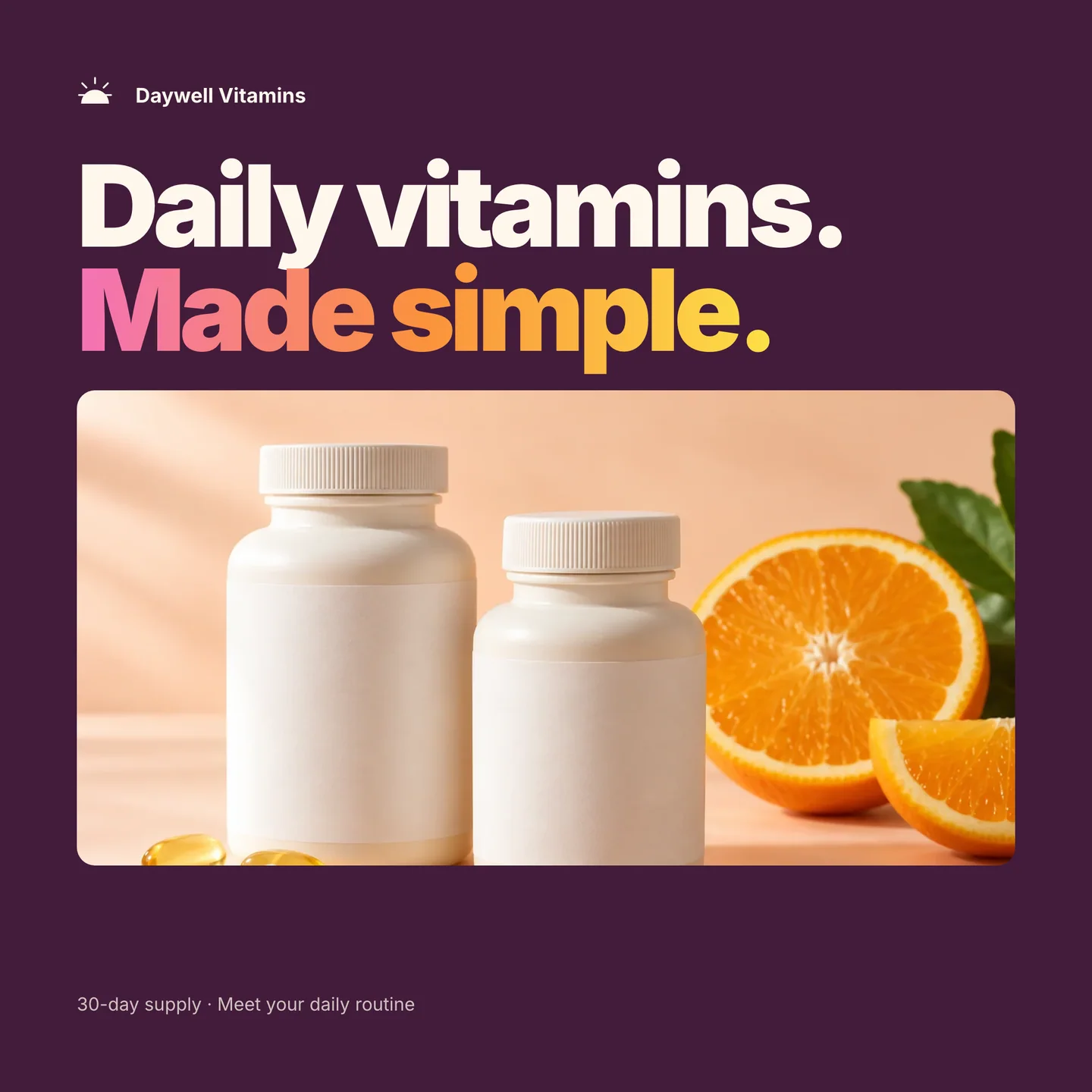
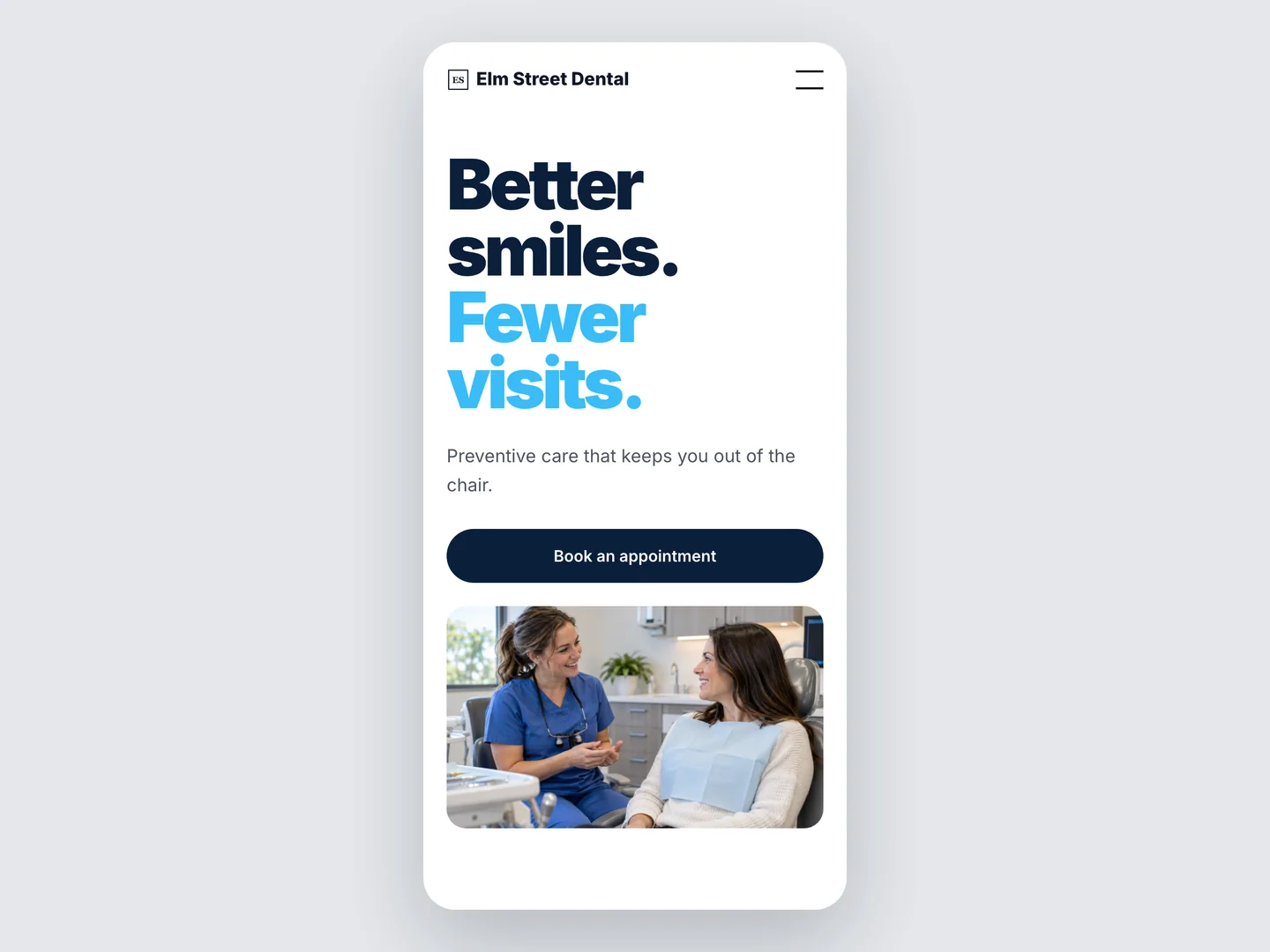
3. The giant two-tone hero. It’s everywhere.
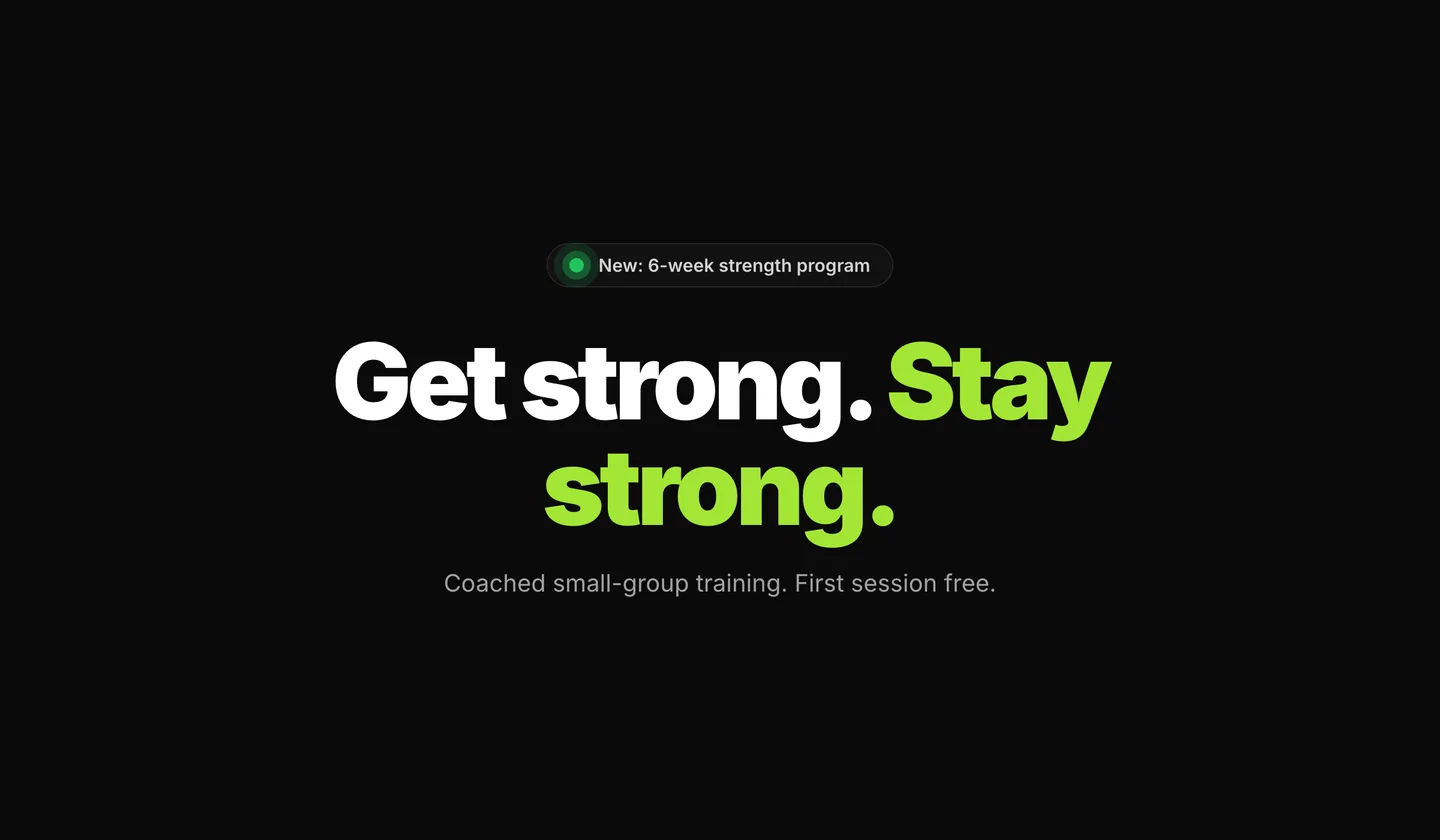
A headline the size of a billboard. Half of it black. The other half a bright accent, as if the sentence couldn’t decide which word was the point and highlighted the back half to be safe.
Make it extra sloppy: make the bright half a gradient.
Fix: One color. If a word needs to be louder, make it louder with weight or by cutting the words around it.
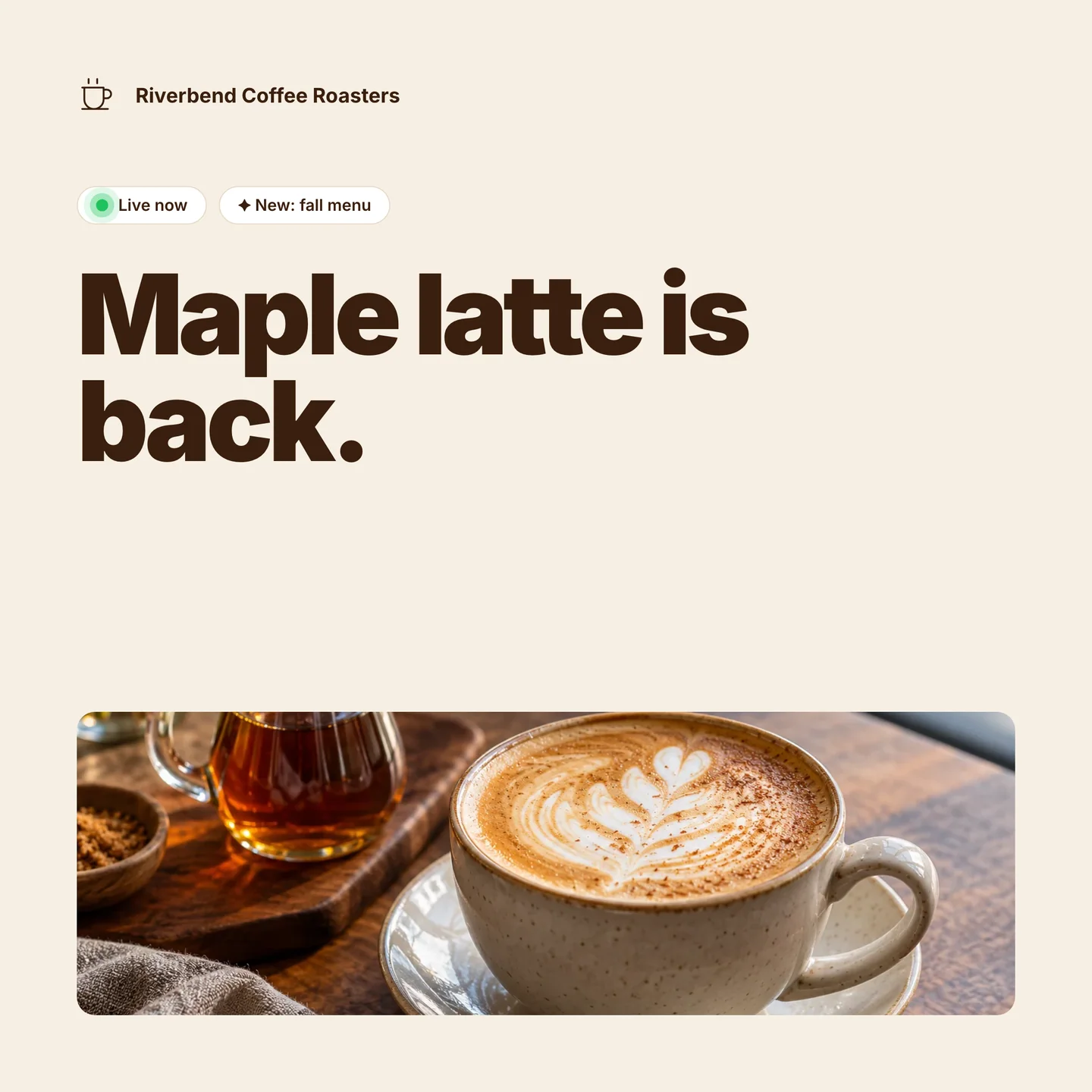
4. The badge above the headline
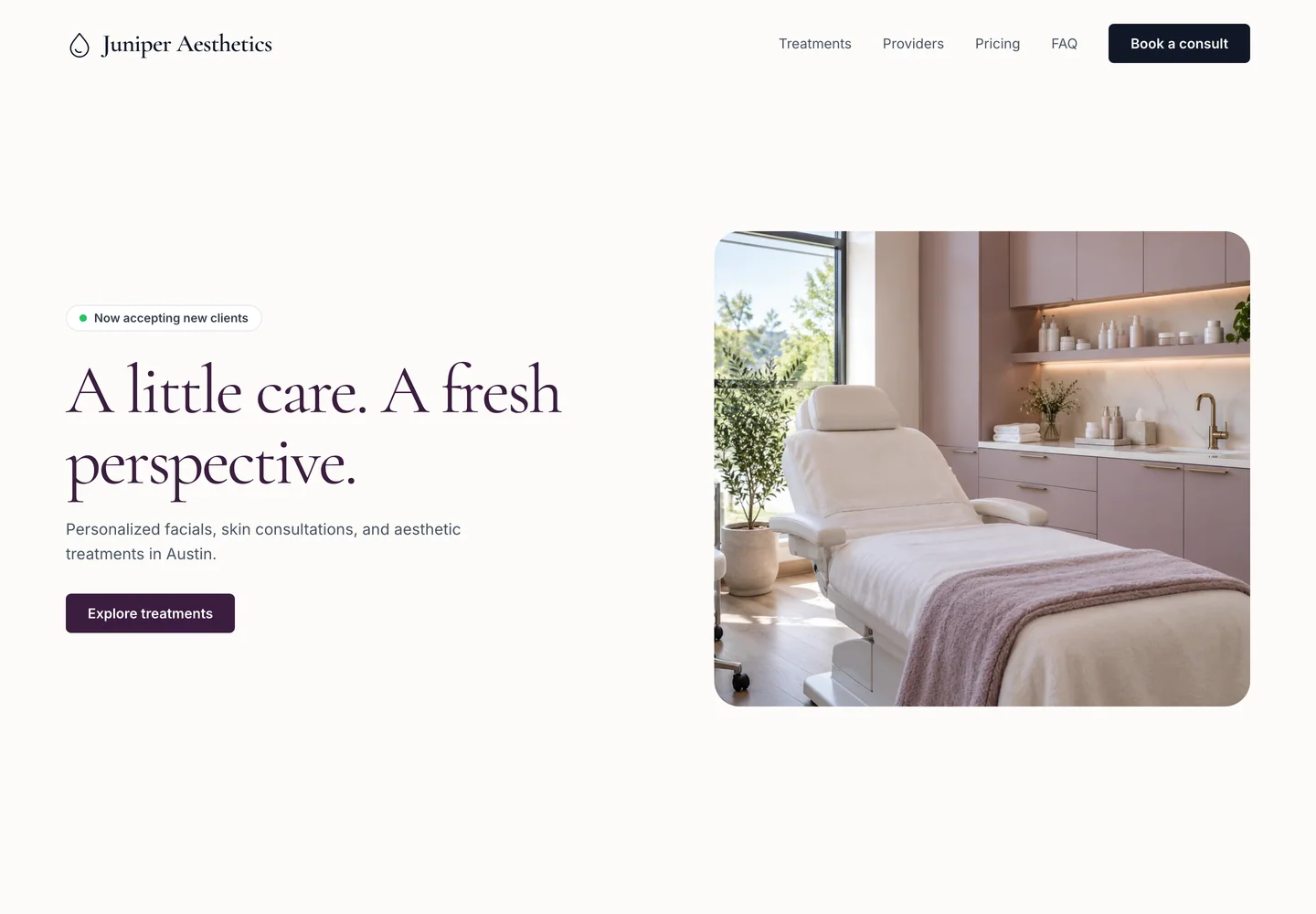
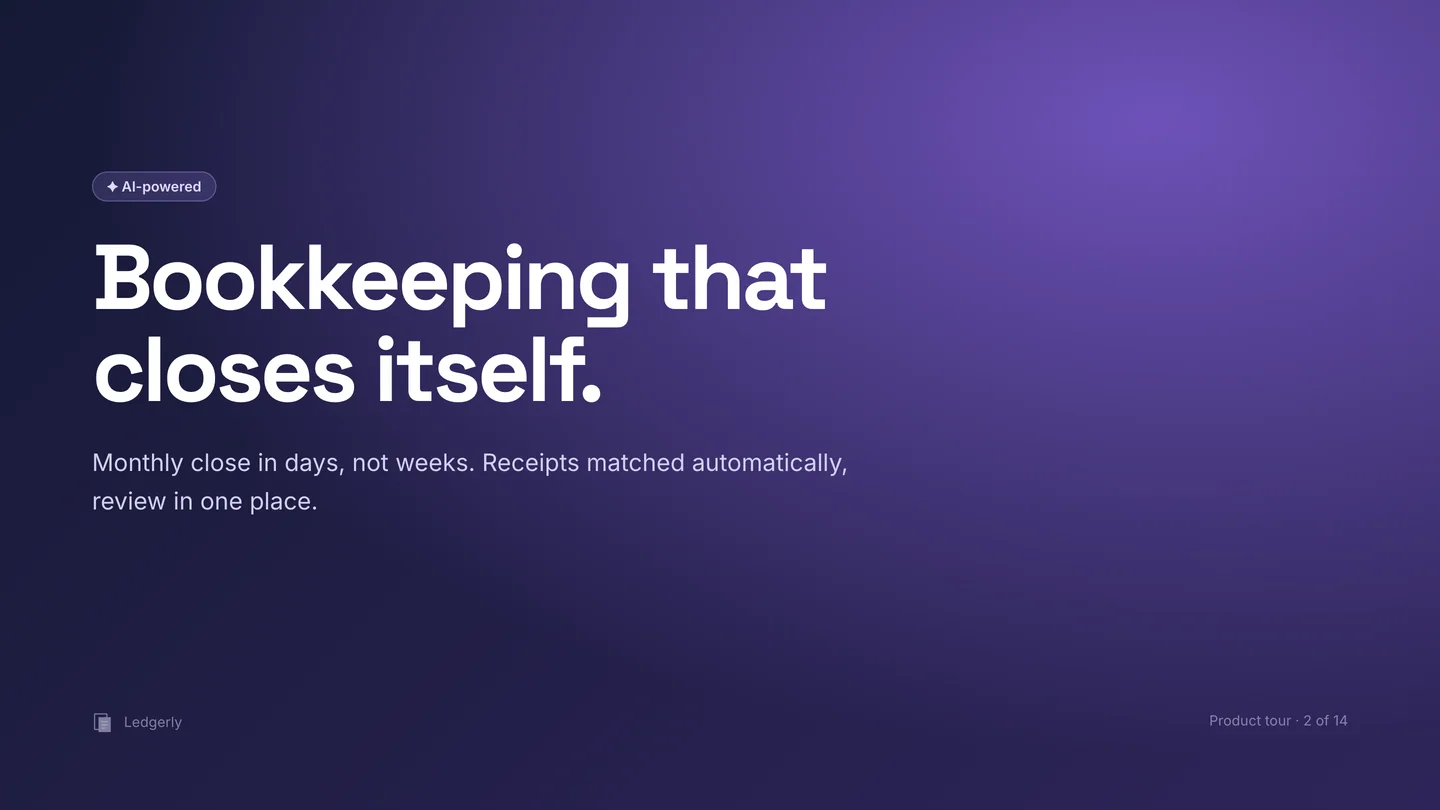
A little pill at the top of the hero. Rounded corners. Sometimes a green dot. “Now accepting clients.” “AI-powered.” “New.”
That green dot means something on a status page. Operational. Degraded. Broken. It does not mean “welcome to my business.” You’ve dressed your greeting up as a server alert.
Make it extra sloppy: add a status icon. Bonus points if it pulses.
Fix: Take it off. A status indicator belongs on something that has a status.
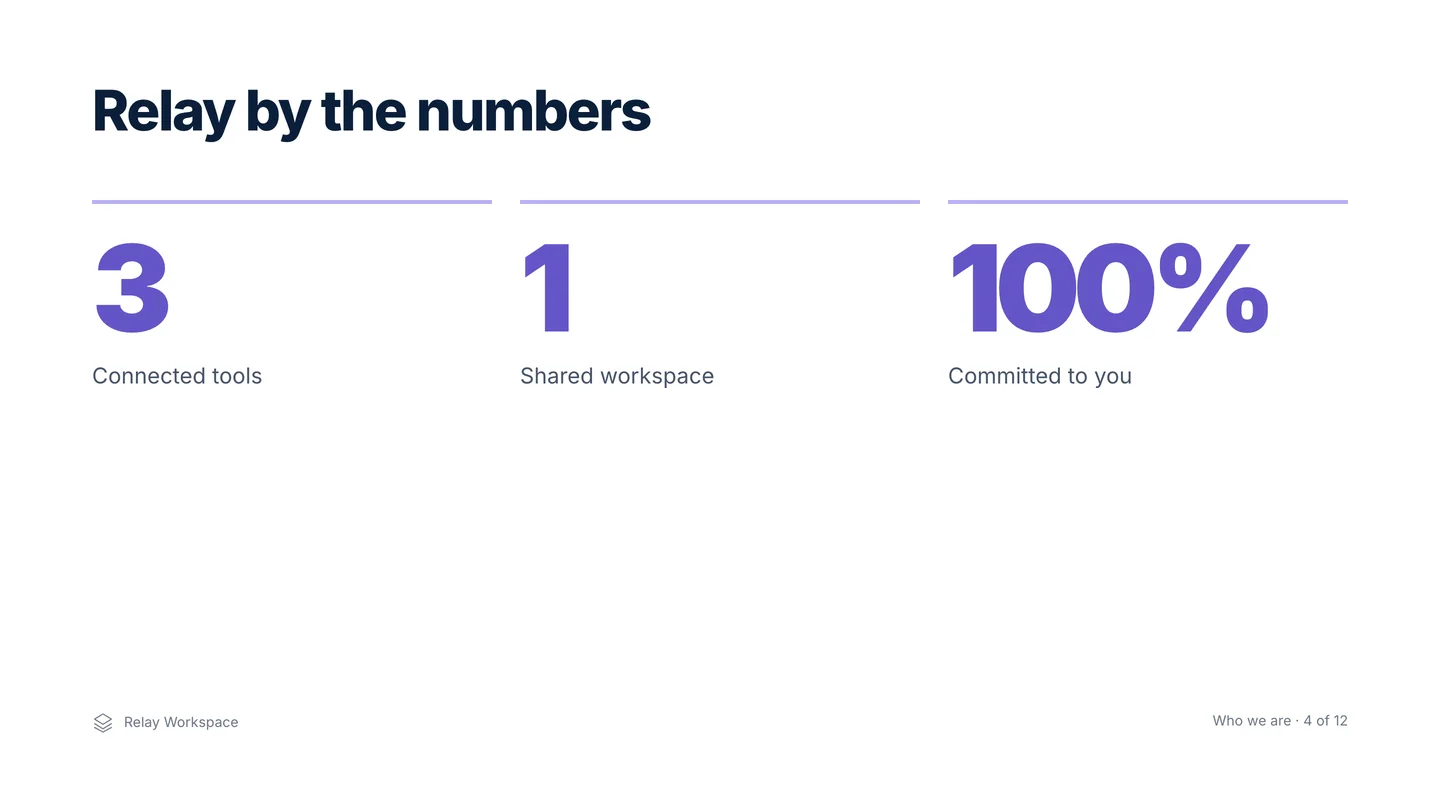
5. Arbitrary statistics
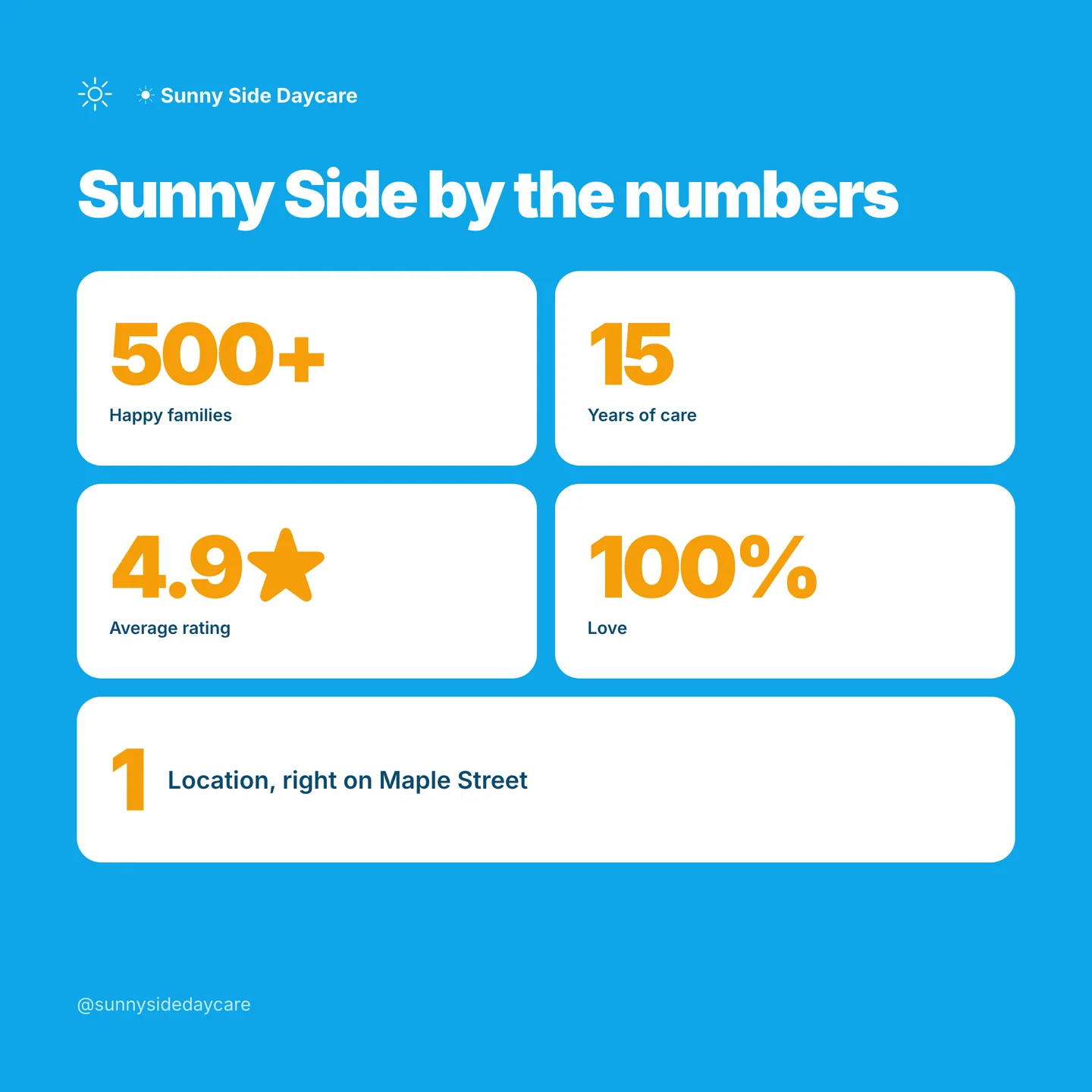
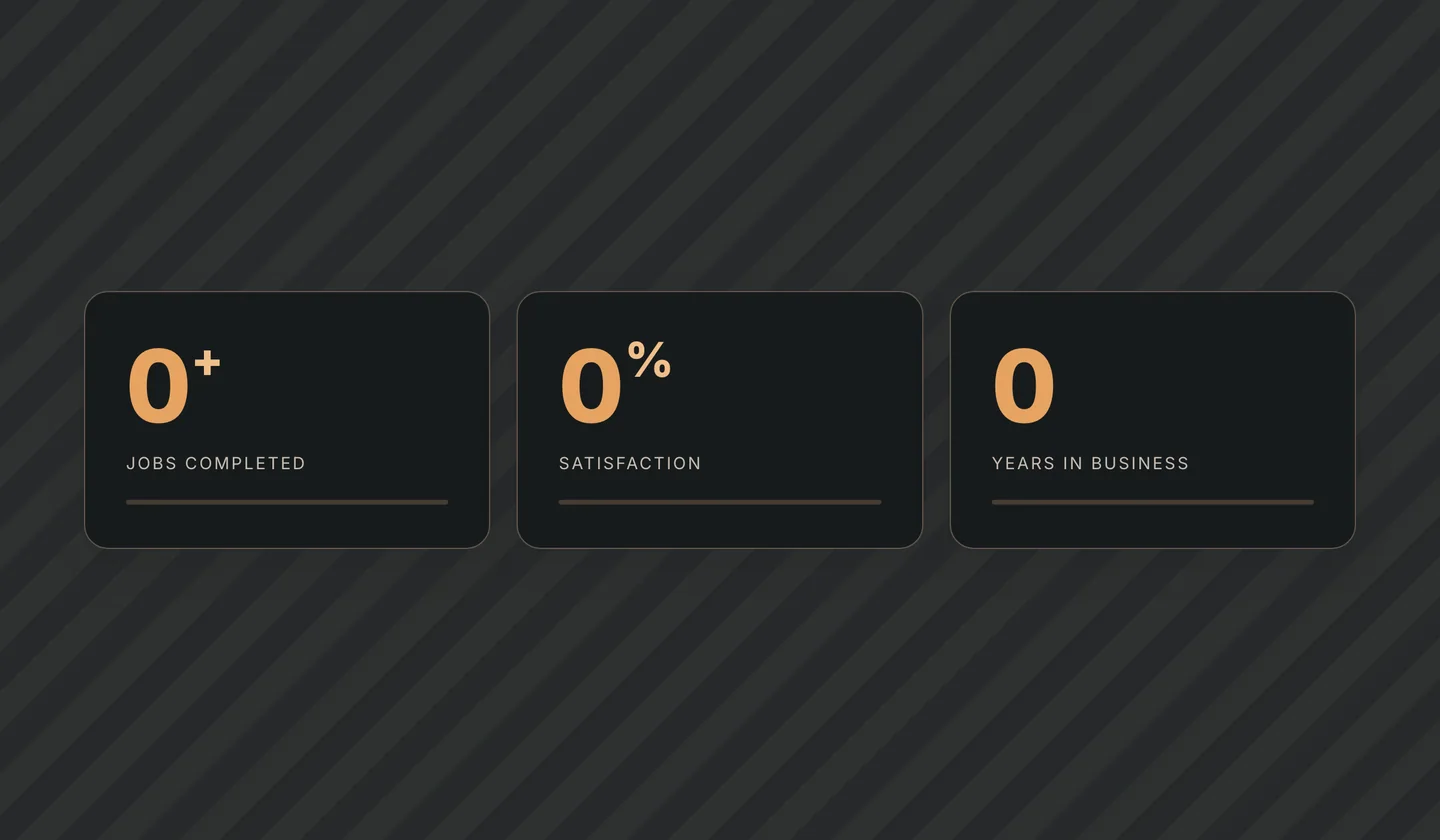
Three tiles across the hero. Big number, small label. “75 Total Clinics.” “5.0 Avg Rating.” “8 Top Rated.” Nobody asked for them, nobody measured them, and nothing on the page explains why those three.
Some businesses need the stats. If you run a clinic network, “75 locations” is doing real work. Most businesses don’t. A three-person studio with a stat row is a studio that let the template decide what to brag about.
Make it extra sloppy: make the numbers count up from zero when you scroll to them.
Fix: Keep a number only if a customer would make a decision on it and you can back it up. Otherwise, put the words back.
6. Cream and beige
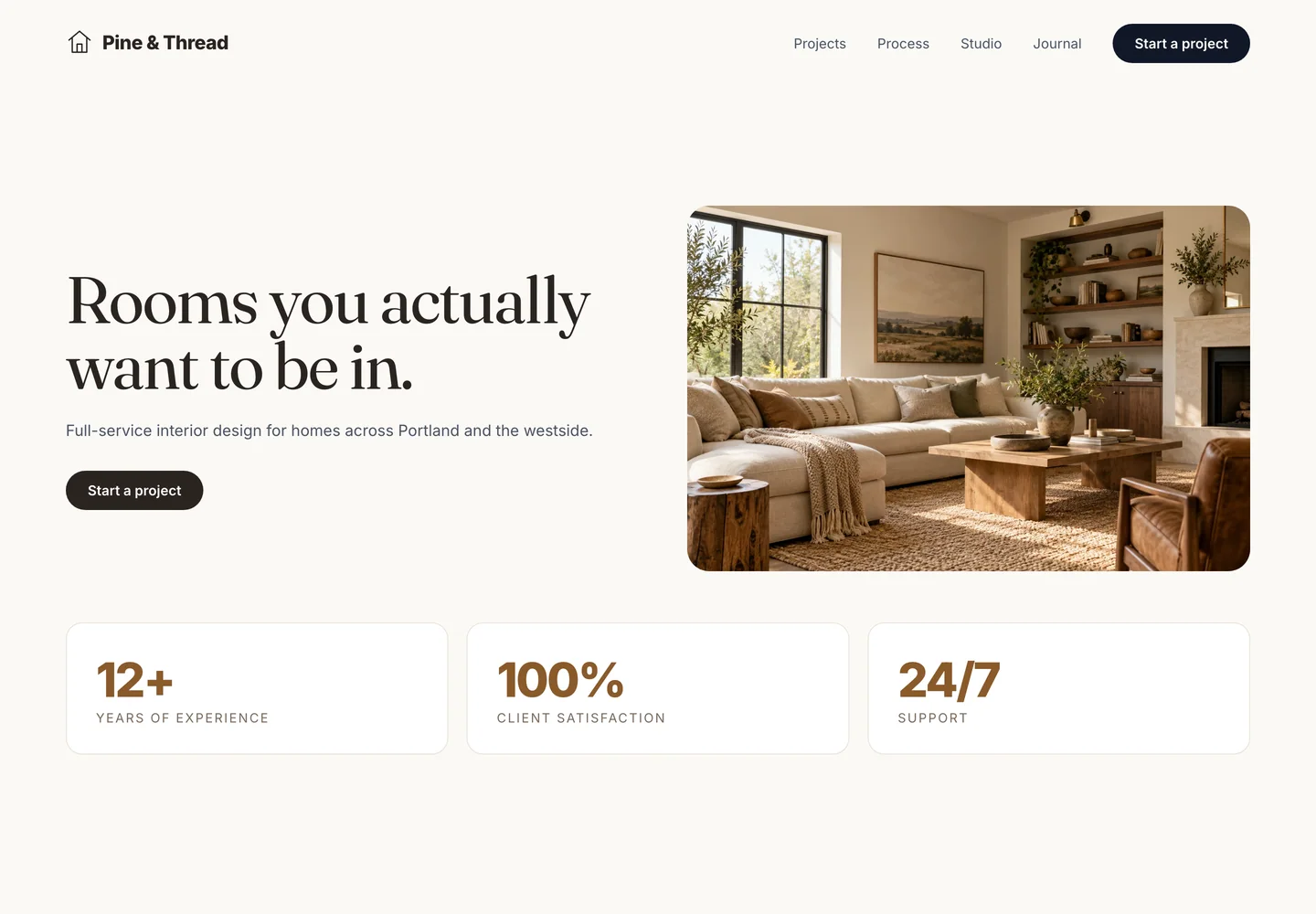
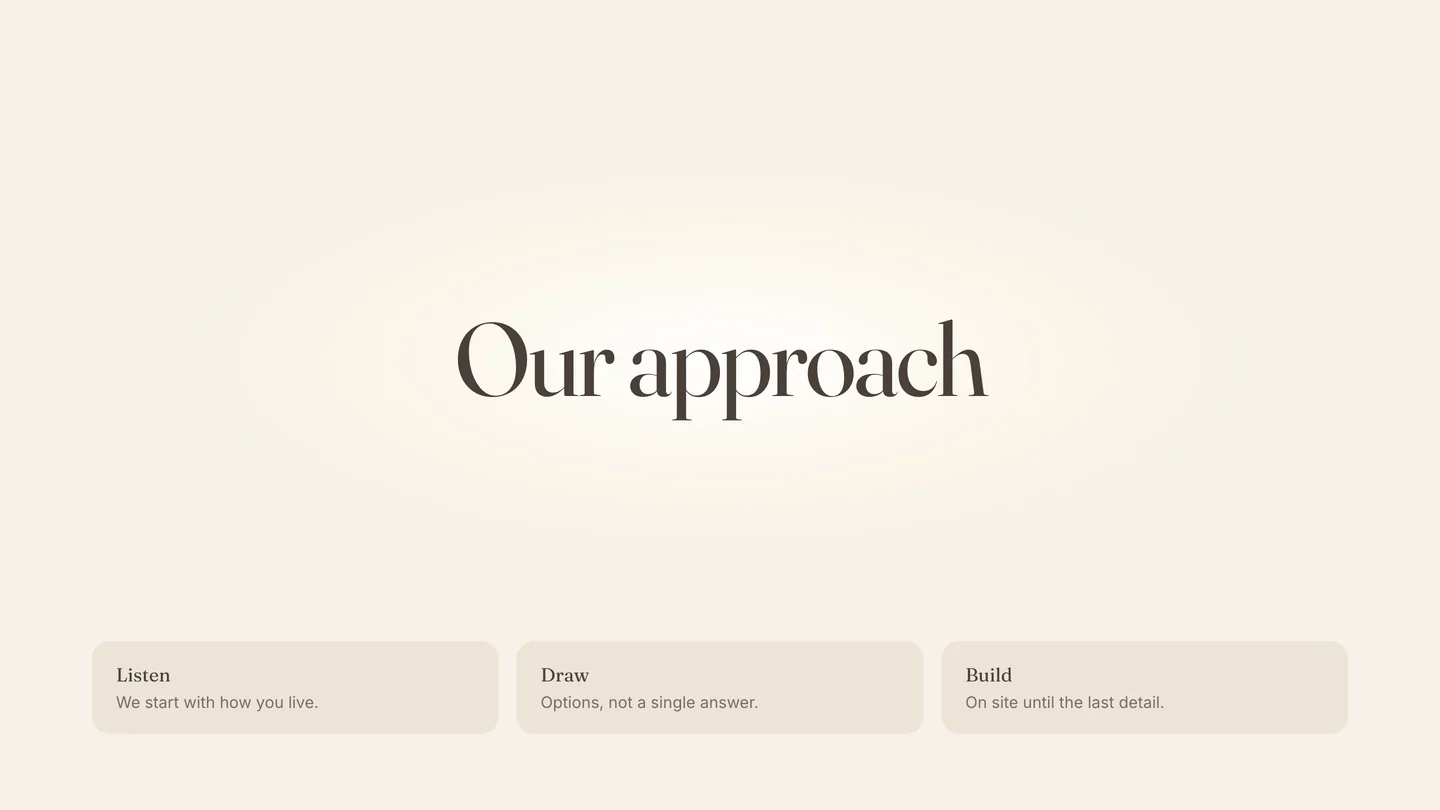
The warm cream background. The oat-milk beige cards. It reads as “considered” because it’s not white, but it’s the same not-white every tool picks when it’s told to be tasteful.
Make it extra sloppy: add a faint glow behind the headline so the cream looks lit from behind.
Fix: If cream is your brand, keep it. If you got it because it looked calm in the preview, go find your actual color.

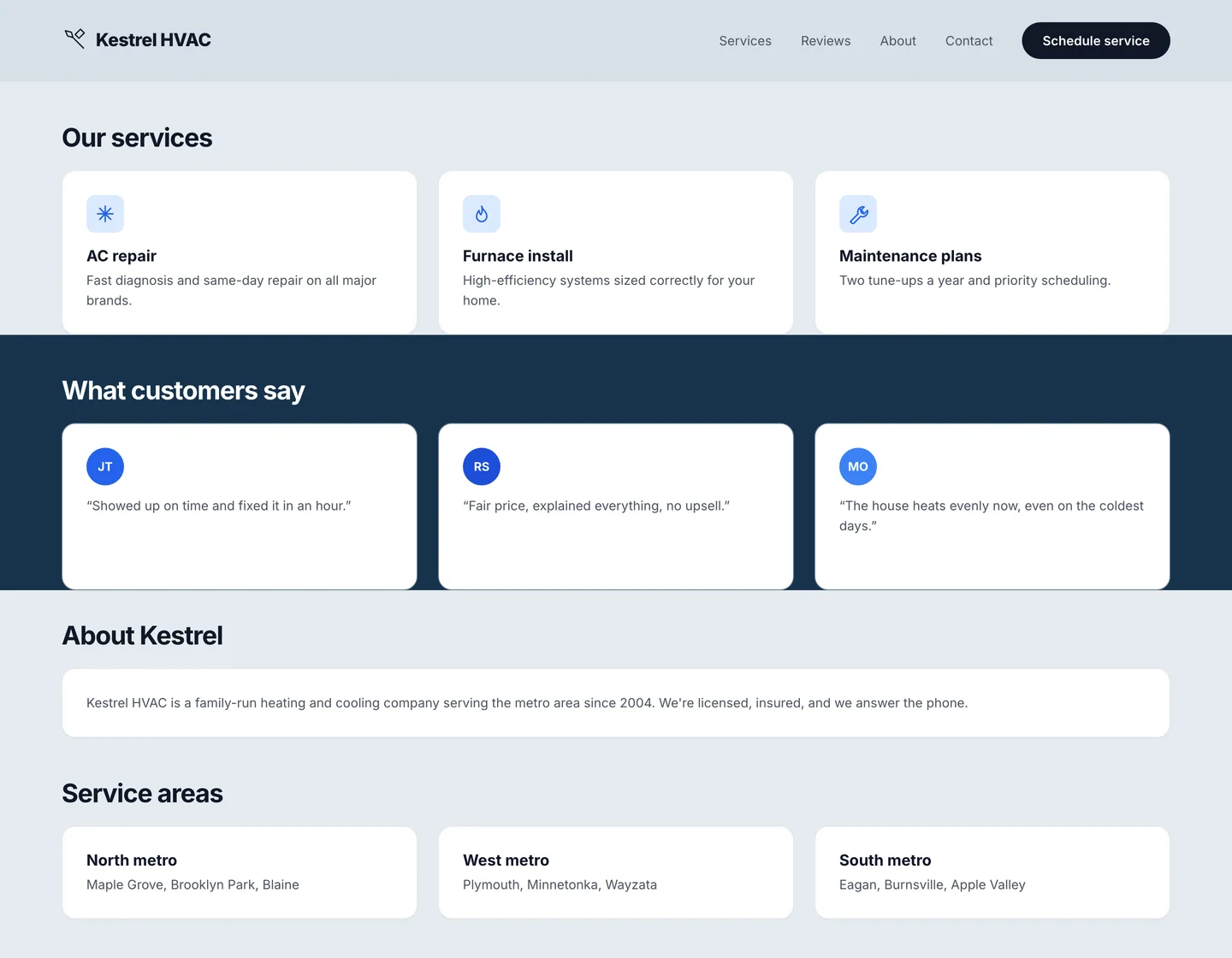
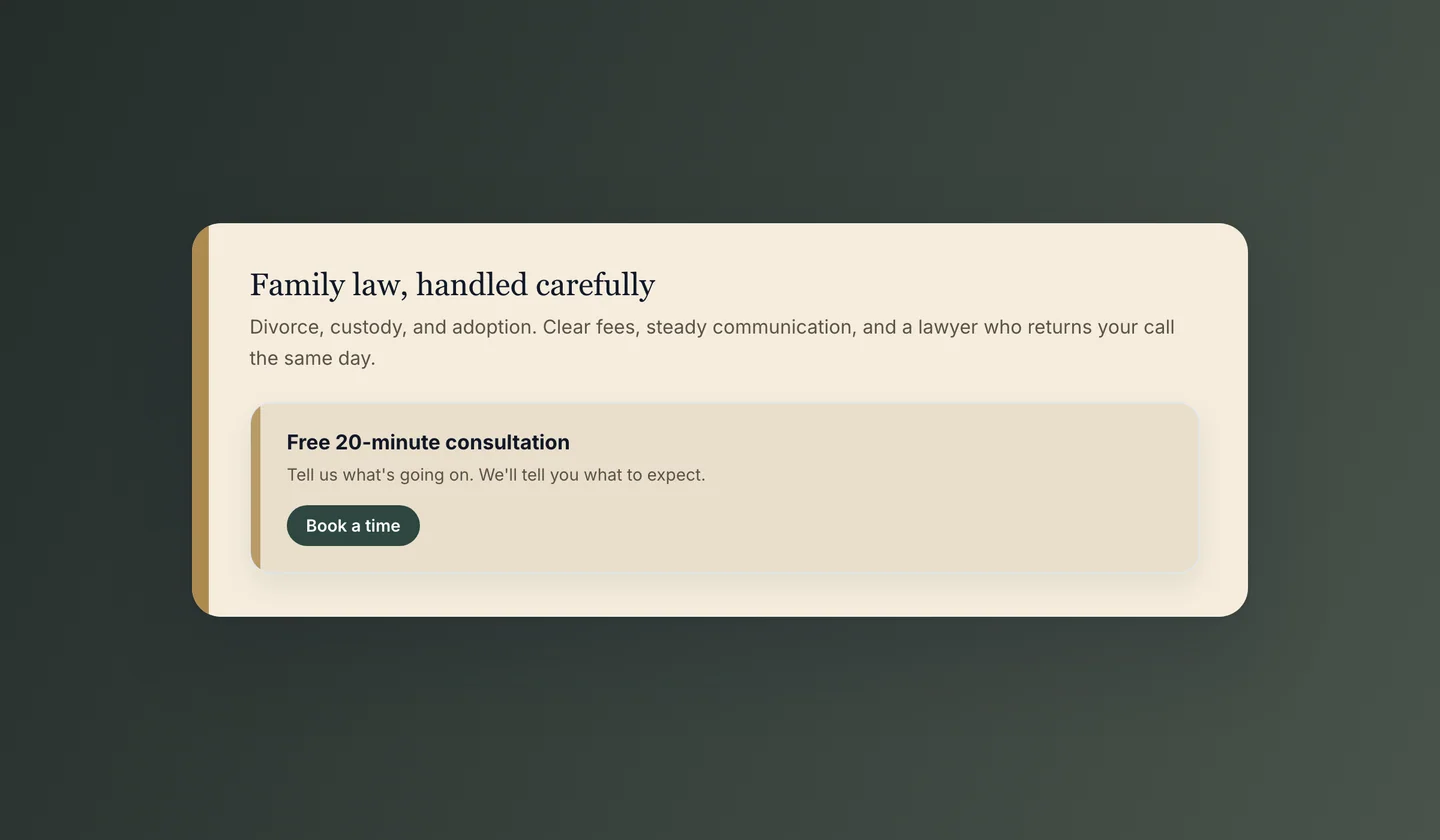
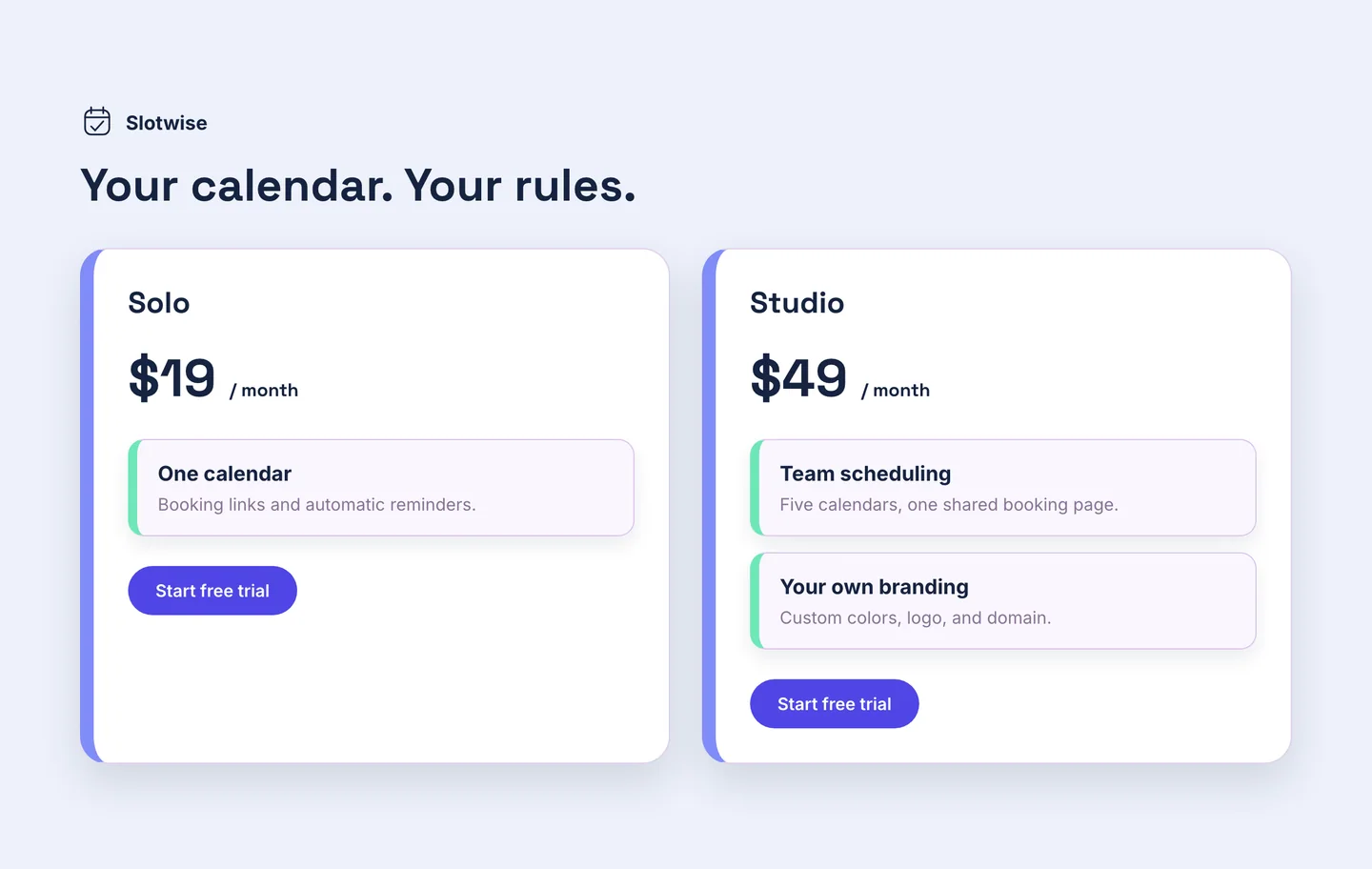
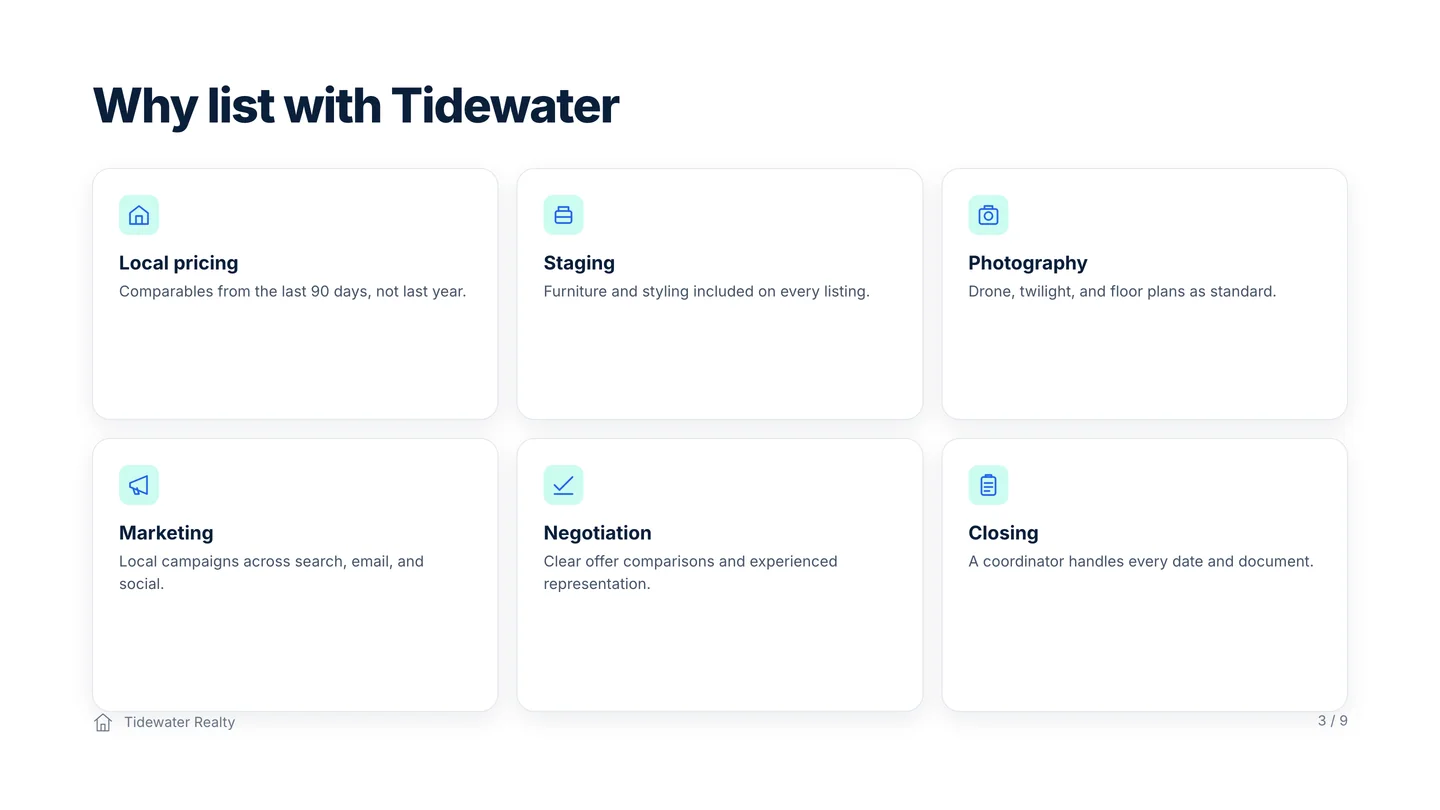
7. The cardapocalypse
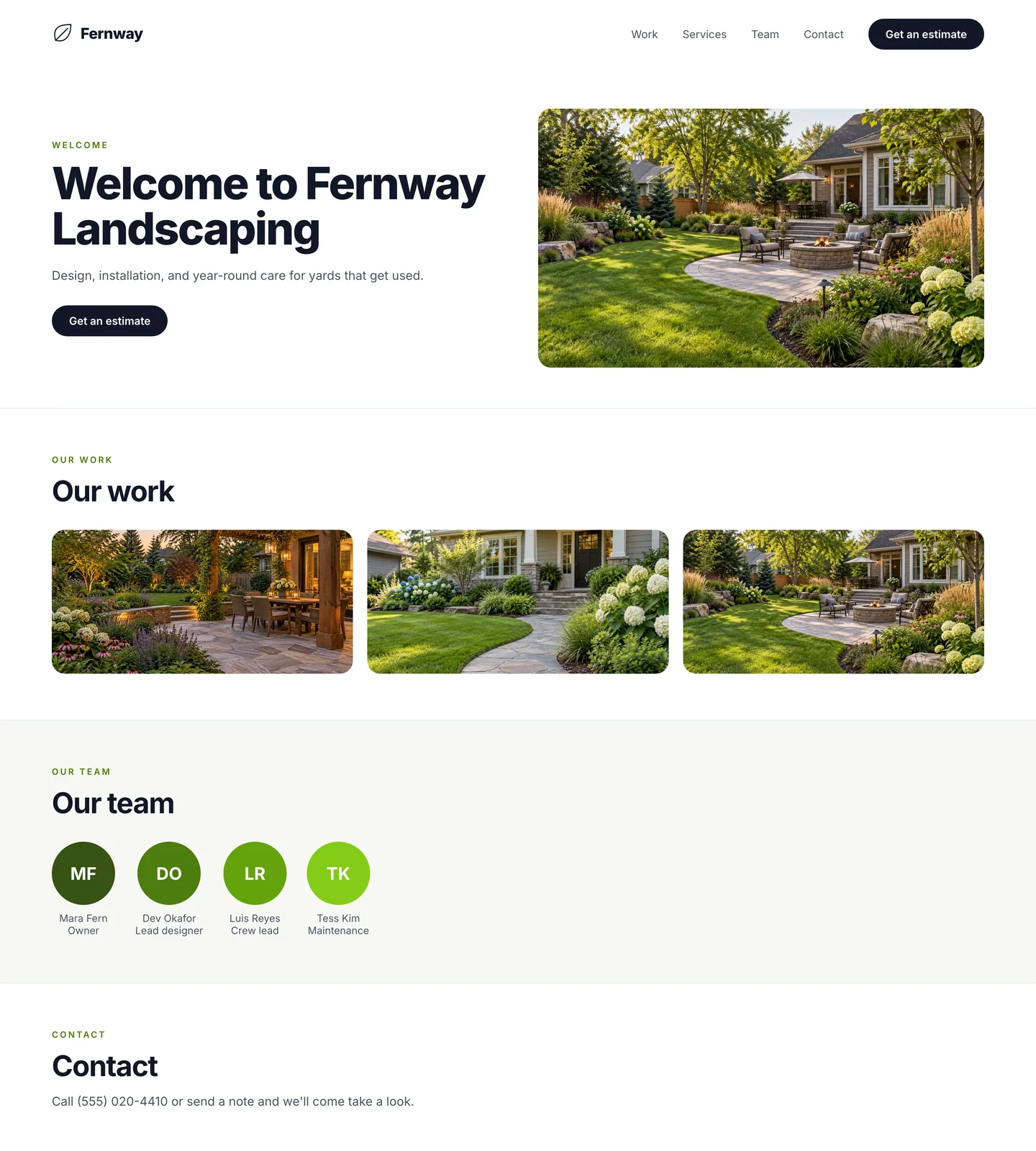
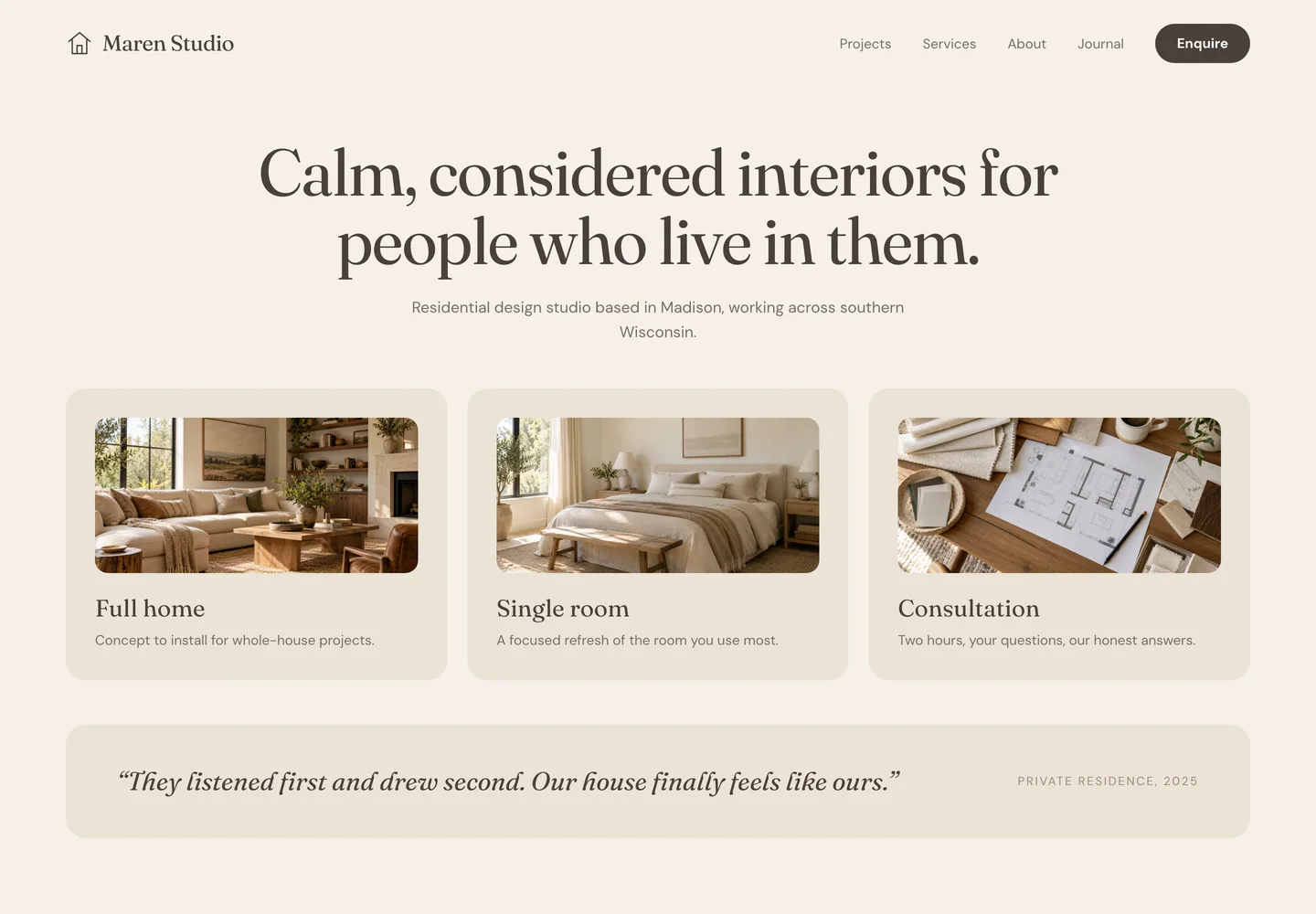
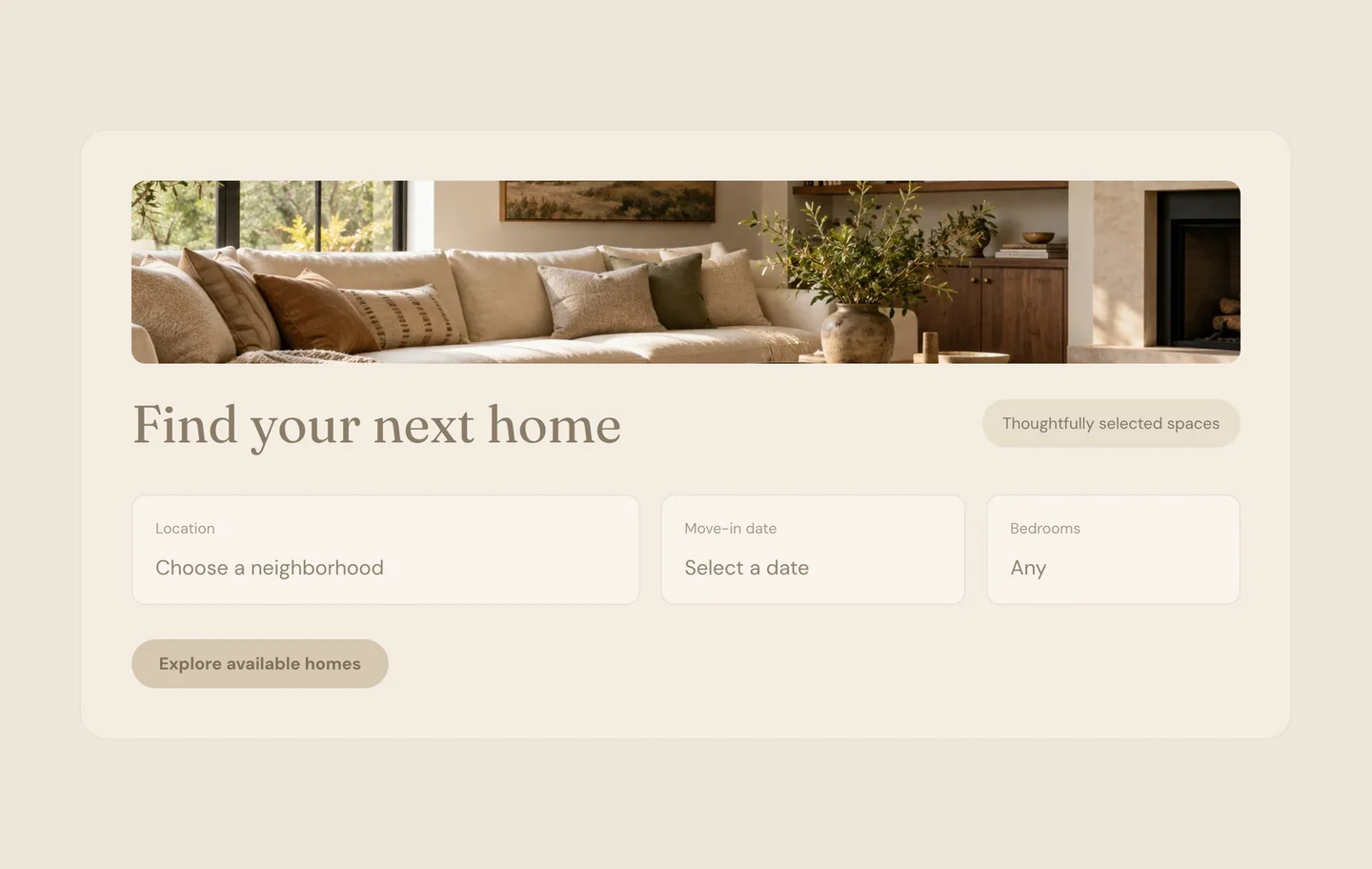
Everything is in a card. Services in cards. Testimonials in cards. The paragraph about who you are, in a card. Three across, equal height, equal weight, repeated down the page until the page gives up.
When everything is in a box, nothing is important.
Make it extra sloppy: round the corners, add a shadow so each card floats, and run a thick colored stripe down the left side so every one of them looks like an alert that never clears. Then nest a card inside the card.
Fix: Pick the one thing that matters most and give it real room. Put the rest in a list. Uneven means a person made a decision.
8. Unnecessary copy
Every model likes to talk. They’re wordy. Ask for a headline and you get a headline, a subhead, and a paragraph explaining the subhead. A tagline under the logo. A sentence under every heading. Jargon that sounds like a service and means nothing. “Solutions tailored to your unique needs.”
Make it extra sloppy: add copy that explains how to read the page. “The section below outlines our services.” “Here you’ll find our featured work.” Yes. Thank you. I know. I’m looking at it.
Fix: Cut every sentence that doesn’t say what you do or what changes for the person reading. Then read what’s left out loud and see if it still says anything.
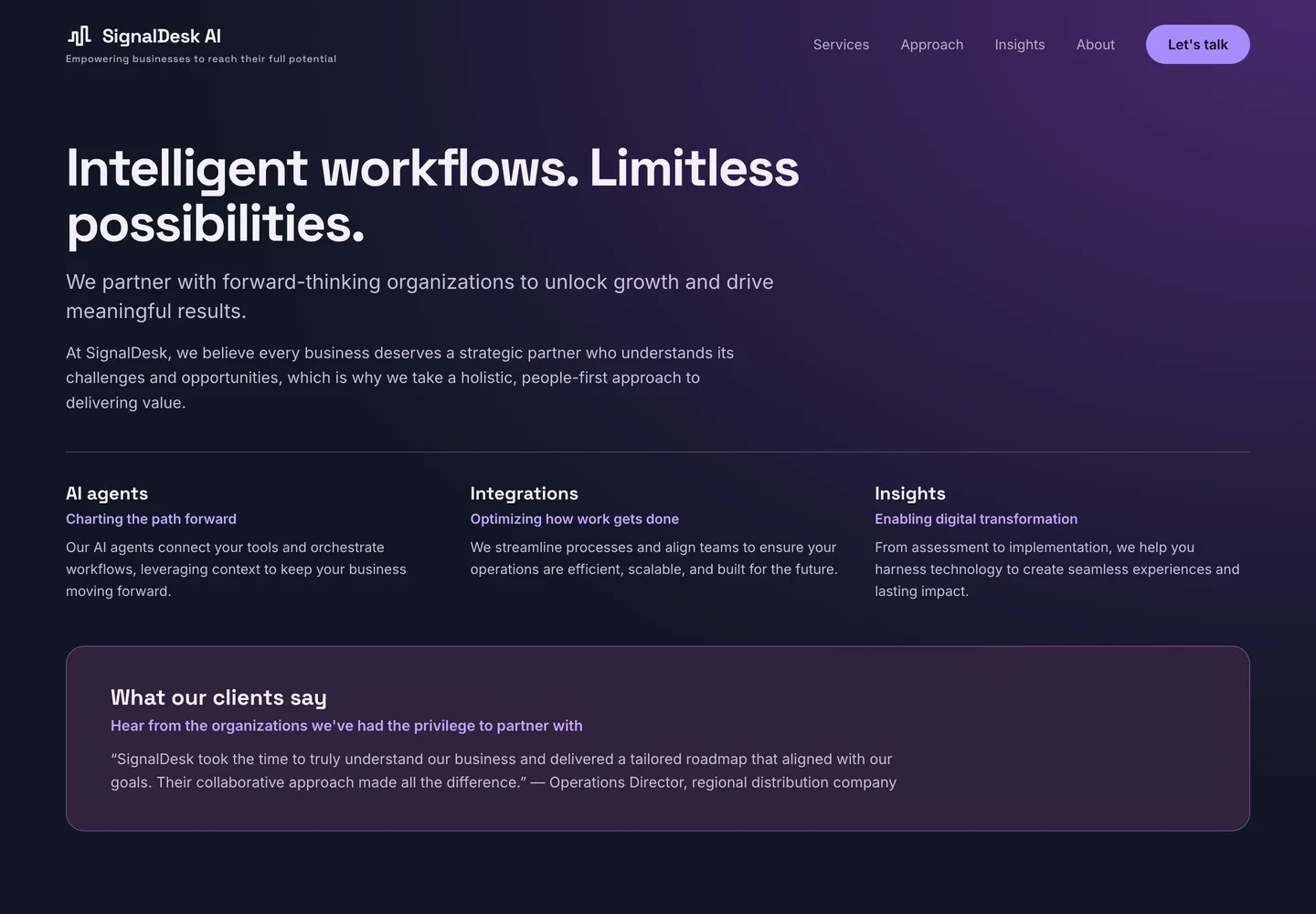
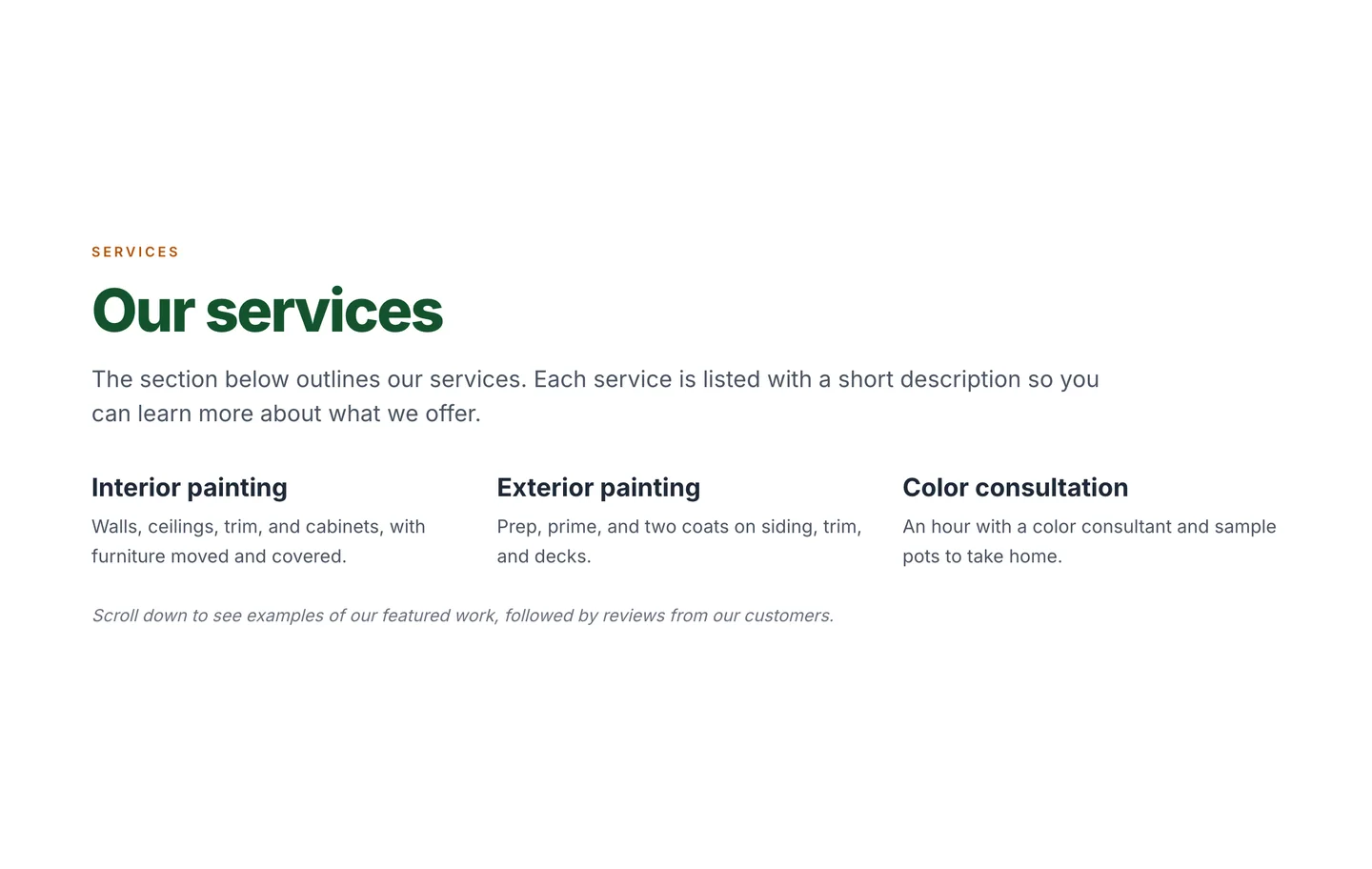
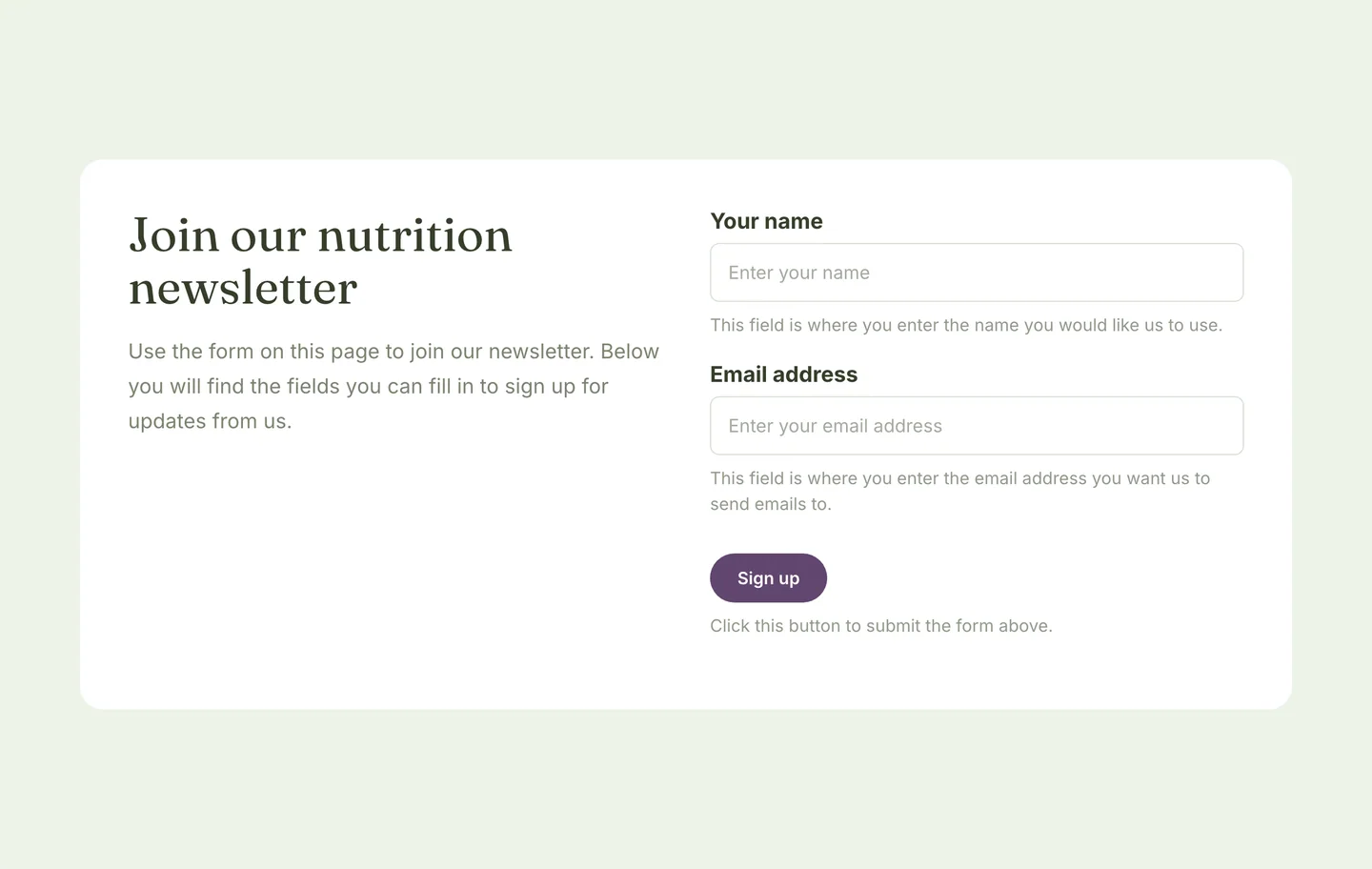
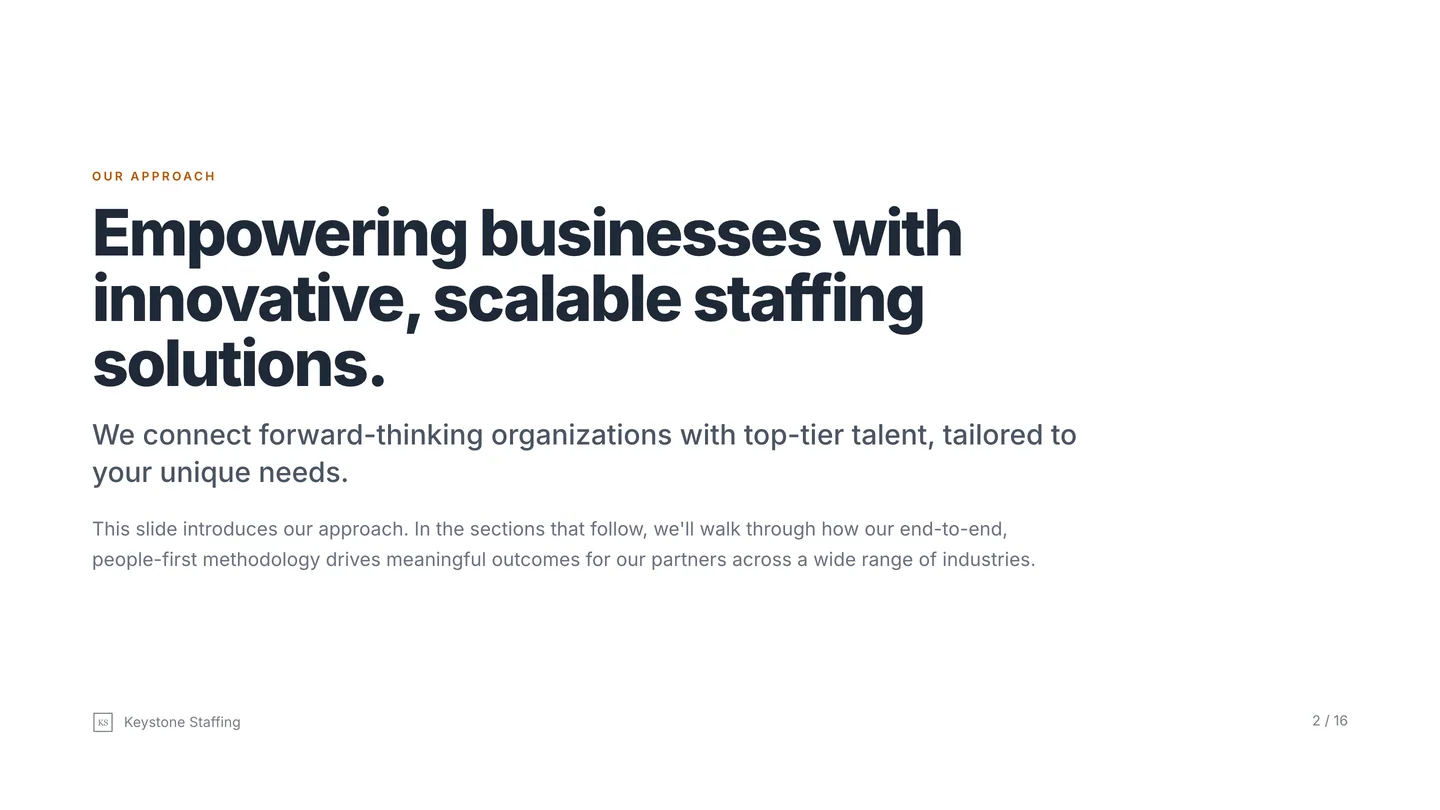
9. The same stack, every section
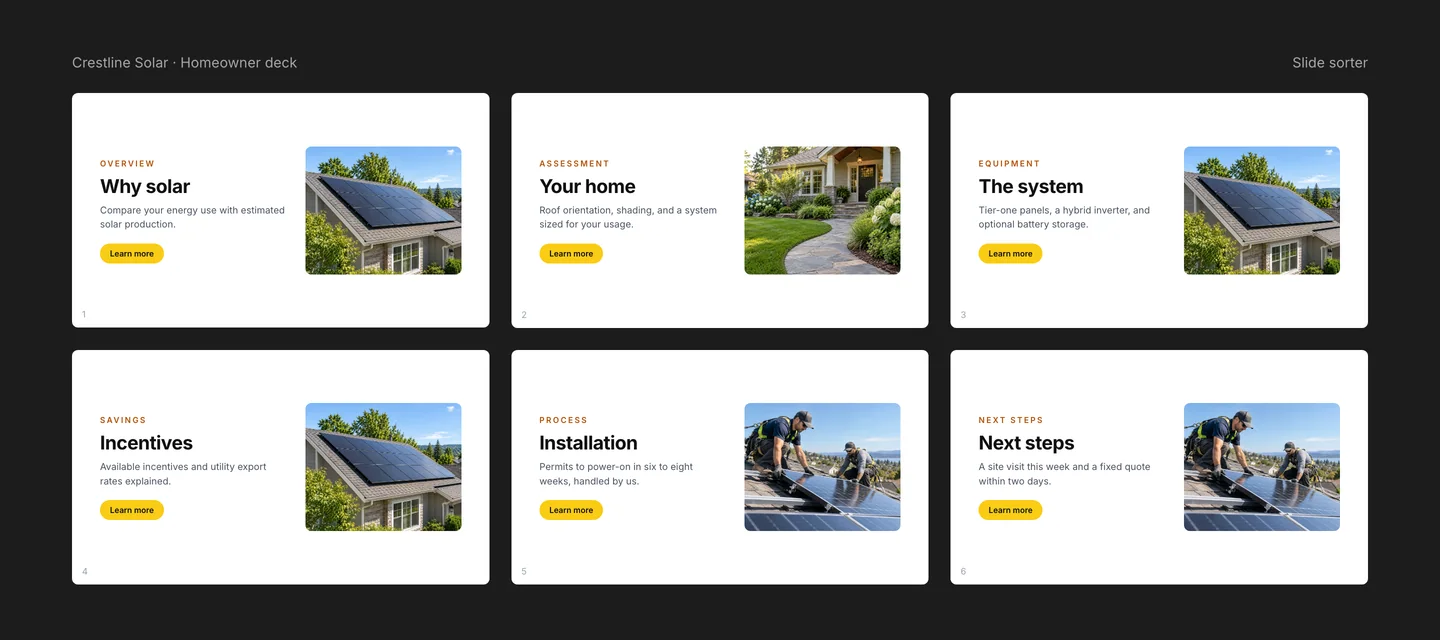
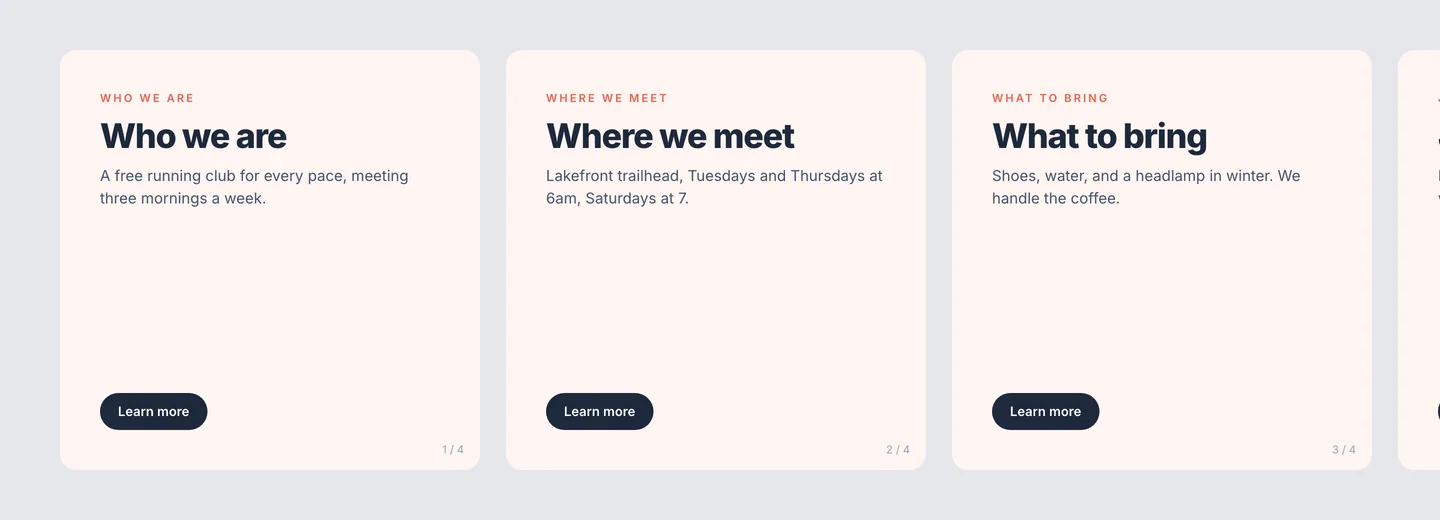
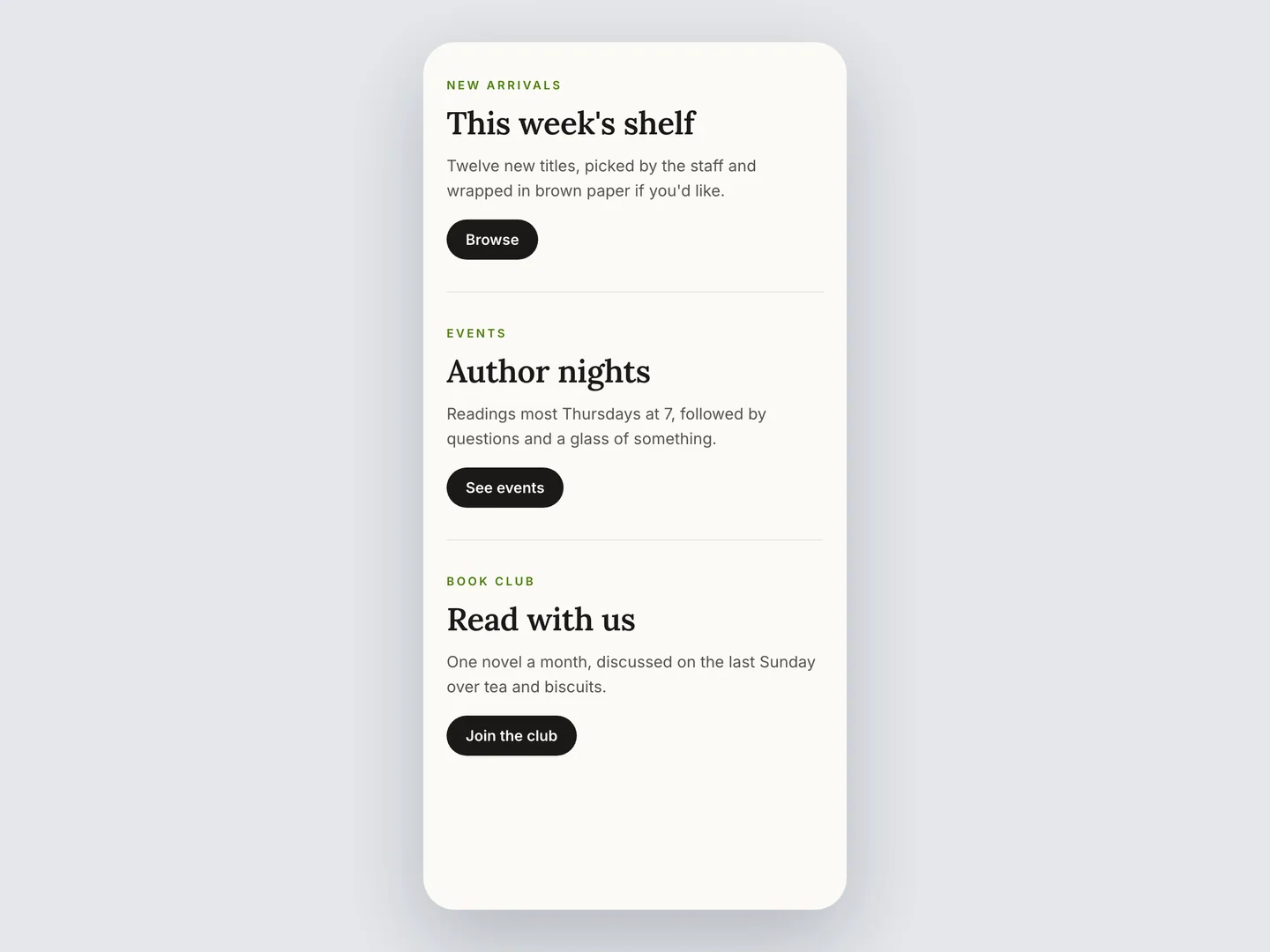
Eyebrow. Header. Paragraph. Button. Eyebrow. Header. Paragraph. Button. Scroll down and it’s the same four things in the same order, section after section, until the page ends.
Make it extra sloppy: give every button the same label. “Learn more.” Ten times.
Fix: Use a variety of combinations.
10. Little arrow icons everywhere
Every link gets an arrow. Every card gets an arrow in the corner. Every button gets an arrow after the word. I said add a link, not an arrow picture.
Make it extra sloppy: use different style arrows everywhere. Who needs consistency when you have a collection of clashing icons.
Fix: Limit the use of the arrows or remove them. And only use one!
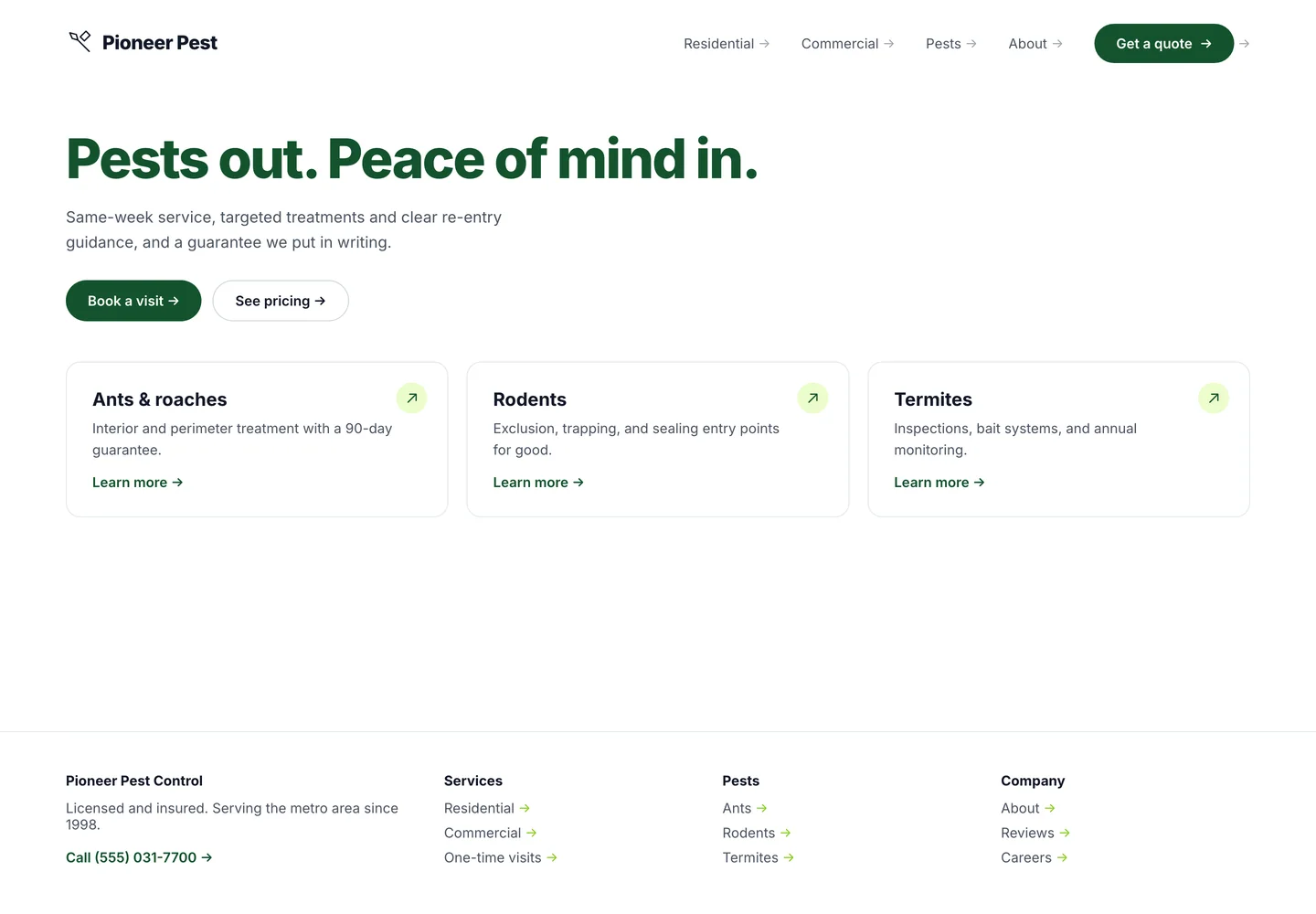
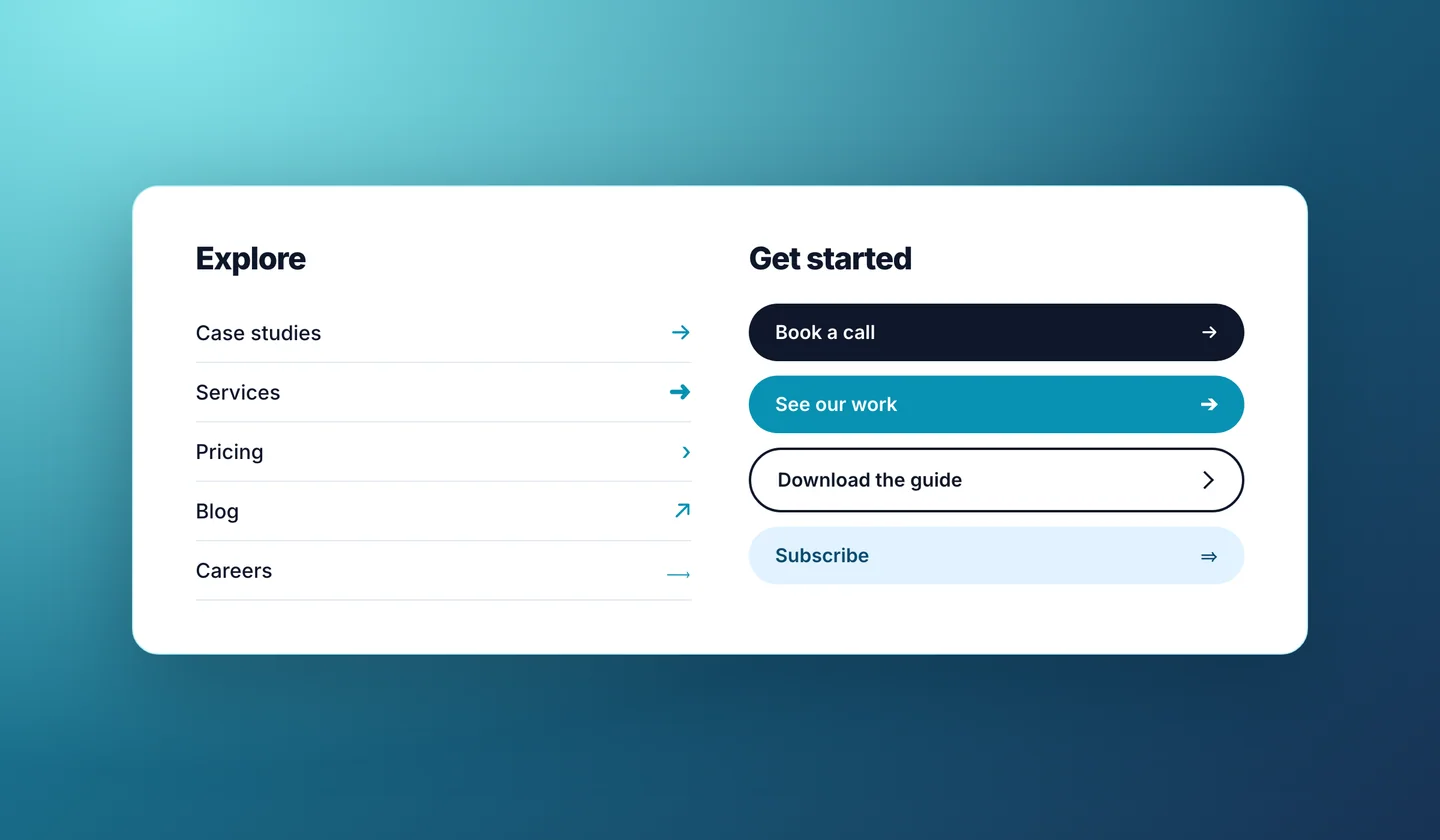
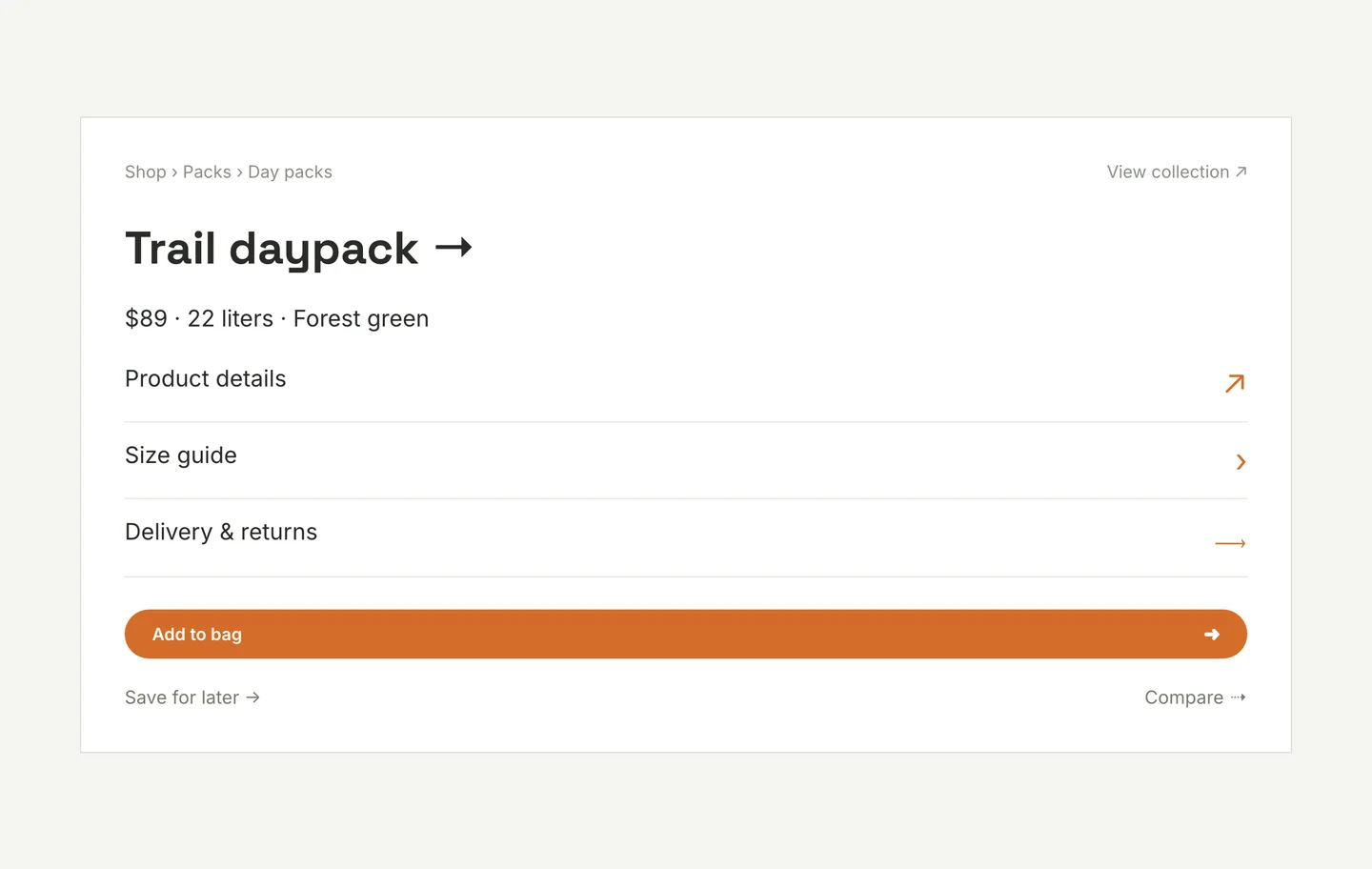
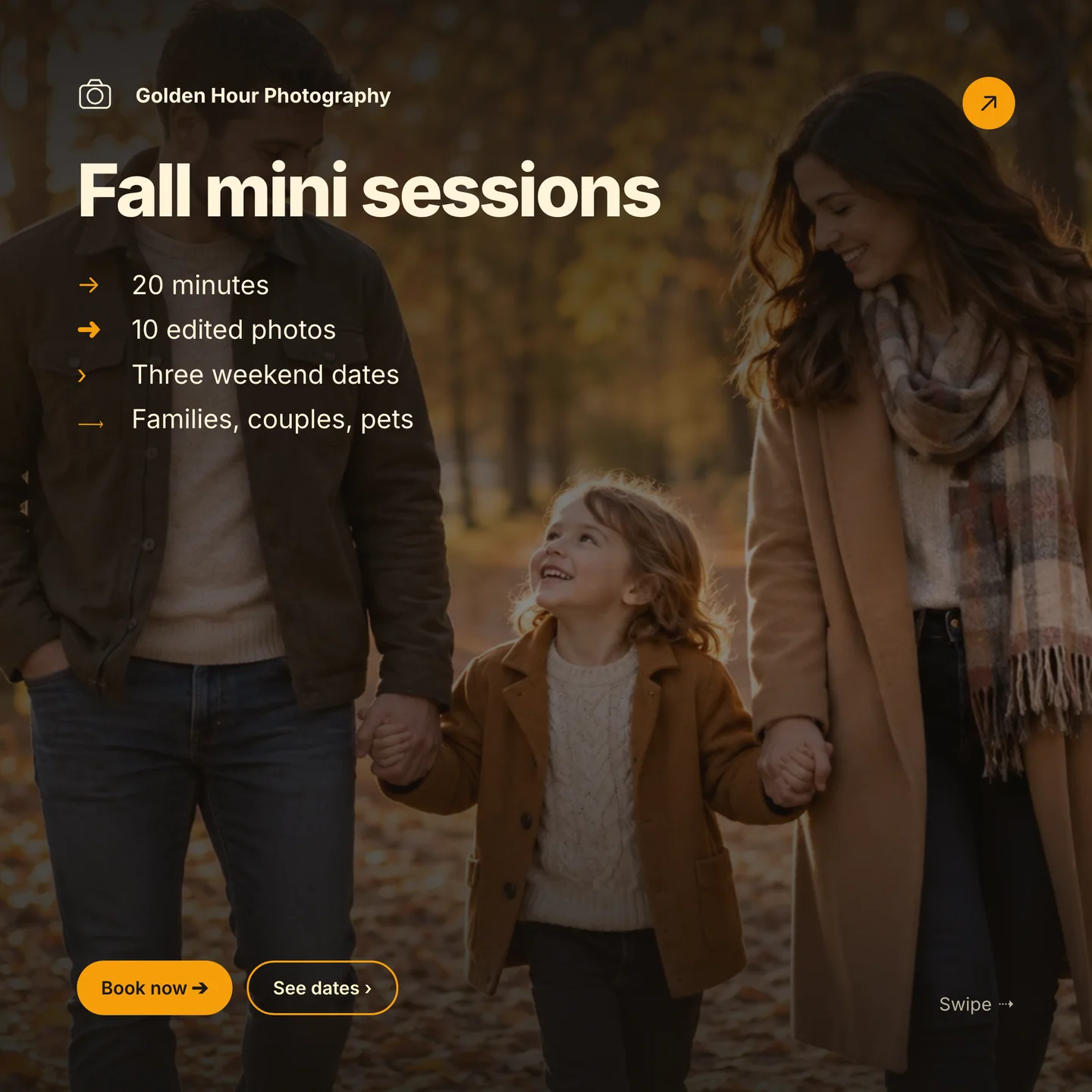
I repeat: these things aren’t bad.
It just depends on what your going for.
Consider building a house. Some people prefer to go with a builder and select from a catalog of floorplans. It’s comfortable and familiar. Fast and reliable. You know what it costs, you know when it’s done, and you’ve seen it work for the neighbors. Others prefer to hire an architect and build the unique house on the street. Its definitely more time consuming and expensive, but the outcome is uncomparable. And stands out.
So just consider your goals (and your target audience) before you go with the cookie-cutter design elements.
Designers aren’t going anywhere.
The thing with AI is that it repeats patterns. Existing design patterns. The more and more slop that goes out there the more AI will repeat it. And that’s why we need designers more than ever. Designers are creators. And creators break patterns and build new ones.
More on that another time…
Stop the slop with this prompt
Want to skip all ten next time? Paste this into whatever robot you’re using, before it designs anything or when you hand it something to fix. Fill in the brackets.
Design (or revise) this [website / landing page / deck] for [business name], a [what the business does] for [who the customers are].

Avoid every one of the following. These are the signs a design was AI-generated and I don't want any of them.

1. No zero-padded numbers (01, 02, 03) on sections, lists, or as background decoration. Number only real steps.
2. No eyebrow labels above headings. One heading per section, nothing stacked over it.
3. No giant two-tone headlines. Headlines are one color and sized to be read, not to fill the screen.
4. No badge or pill above the hero headline. No status dots. No stat tiles or metric rows unless I give you real numbers a customer would decide on. If the information matters, write it as a sentence.
5. Use only these colors: [your colors, from your logo, signage, or product]. No default cream or beige, no purple-to-blue gradients, no neon on dark, no glow behind the headline.
6. Use this typeface: [your font]. Not Inter, Geist, or a system default.
7. Cards only when content genuinely needs a container. No three-across card grids, no nested cards, no side-tab accent stripes, no shadow plus border on the same edge. Prefer spacing, dividers, and headings.
8. Cut filler copy. No tagline under the logo, no sentence under every heading, no jargon like "solutions tailored to your needs," and never a sentence that explains how to read the page ("Below you'll find...").
9. Vary the shape of sections. Not every section is eyebrow, heading, paragraph, button. Only the single most important section gets a button.
10. No decorative arrow icons on links, cards, or buttons. Links are underlined text. Save an arrow for the one place direction matters.

Also: no em dashes in copy. No "not X, but Y" lines. Before you show me anything, list which of these rules your draft breaks and fix them first.
If you need more help, consider booking a consultation meeting with Sister Company and I’ll give you a complimentory audit of your design.
I’m just listing my top ones. Want more? View Impeccable’s full list here.
Claude helped me write this post, but the list and opinions are mine. As well as the jokes.
Elena